
All the projects,
or the ones you pick.
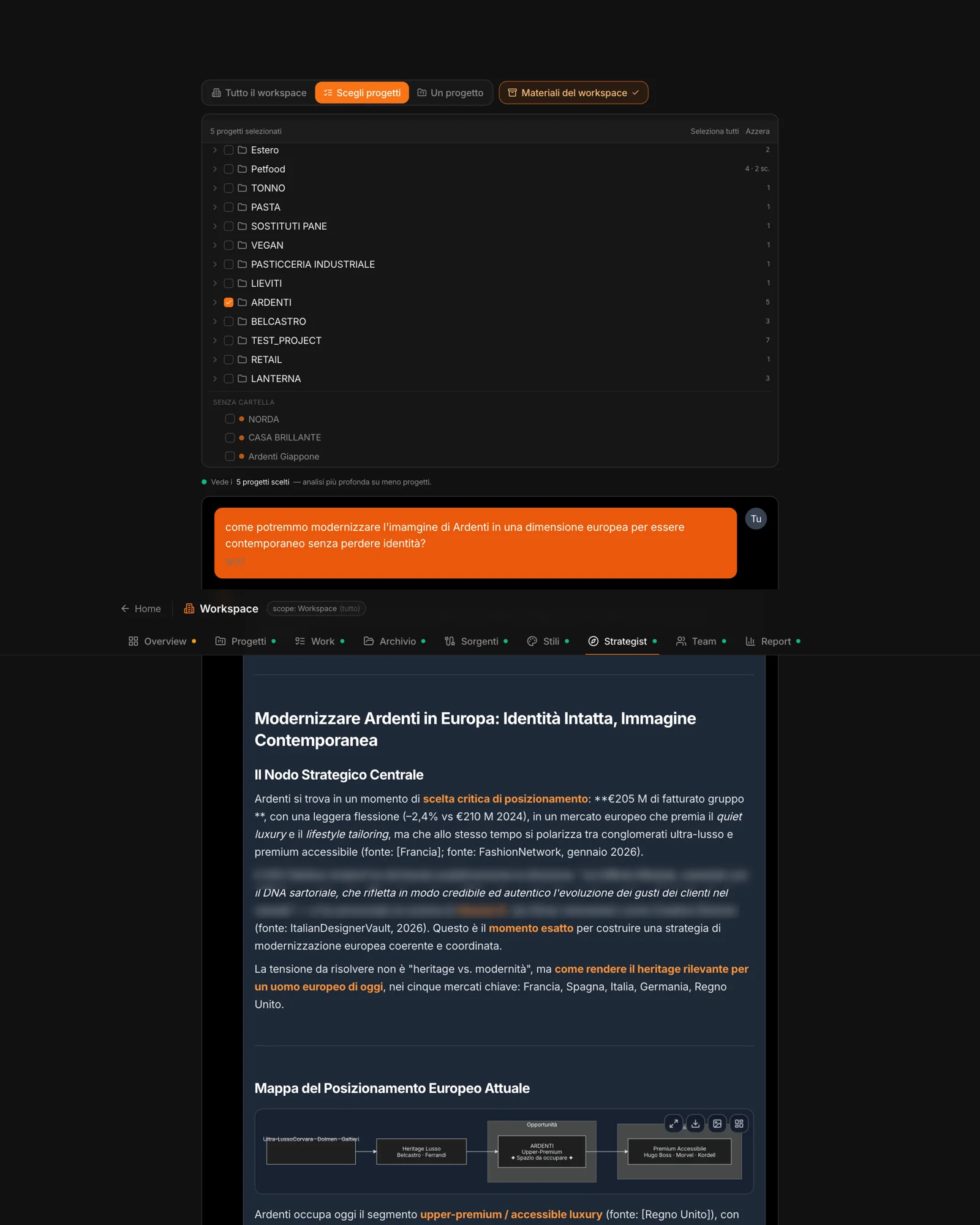
Whole workspace: the chat sees every project and its archives. Pick projects: you tick folders and projects in a tree — a folder brings along everything it contains — for a deeper analysis on fewer projects. One project: that project’s chat.
The Workspace materials toggle adds or removes the shared memory — decks, methods, case studies — in all three modes.
Every piece of data,
with its client.
Every fragment the chat retrieves carries the name of its client, or “agency material”. The rule is explicit: don’t transfer data between clients and don’t name clients that aren’t relevant. So you can ask about recurring trends, positionings side by side, cross-cutting opportunities — always knowing where everything comes from.
The lenses
Strategy, Product, Communication, Consumer, Distribution: the same expert as in the project chat, across the whole workspace.
Fast or Advanced
A quick answer, or a deeper one.
Multi-Agent
Several experts debate the question over the same scope as the chat, each with the data labeled by client.
Conversations
They’re saved in the workspace and reopen in the scope they started in: the same projects, the same materials.