
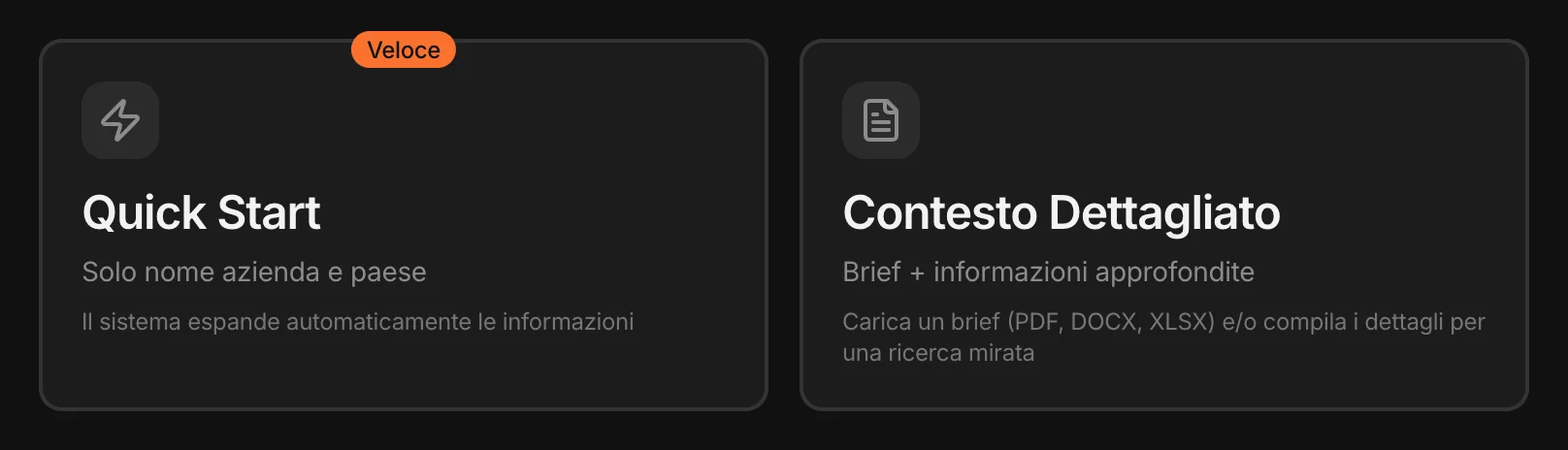
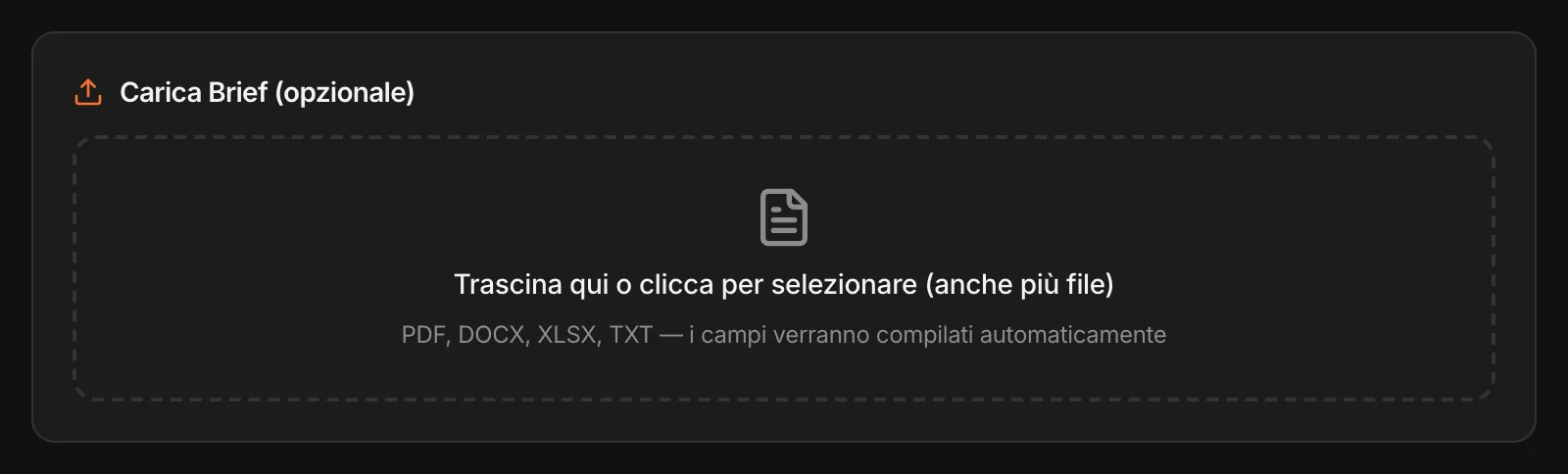
A name. A market.
MAPS finds the rest.
For those who want the big picture right away, and to decide later where to dig.
Start from what you already know.
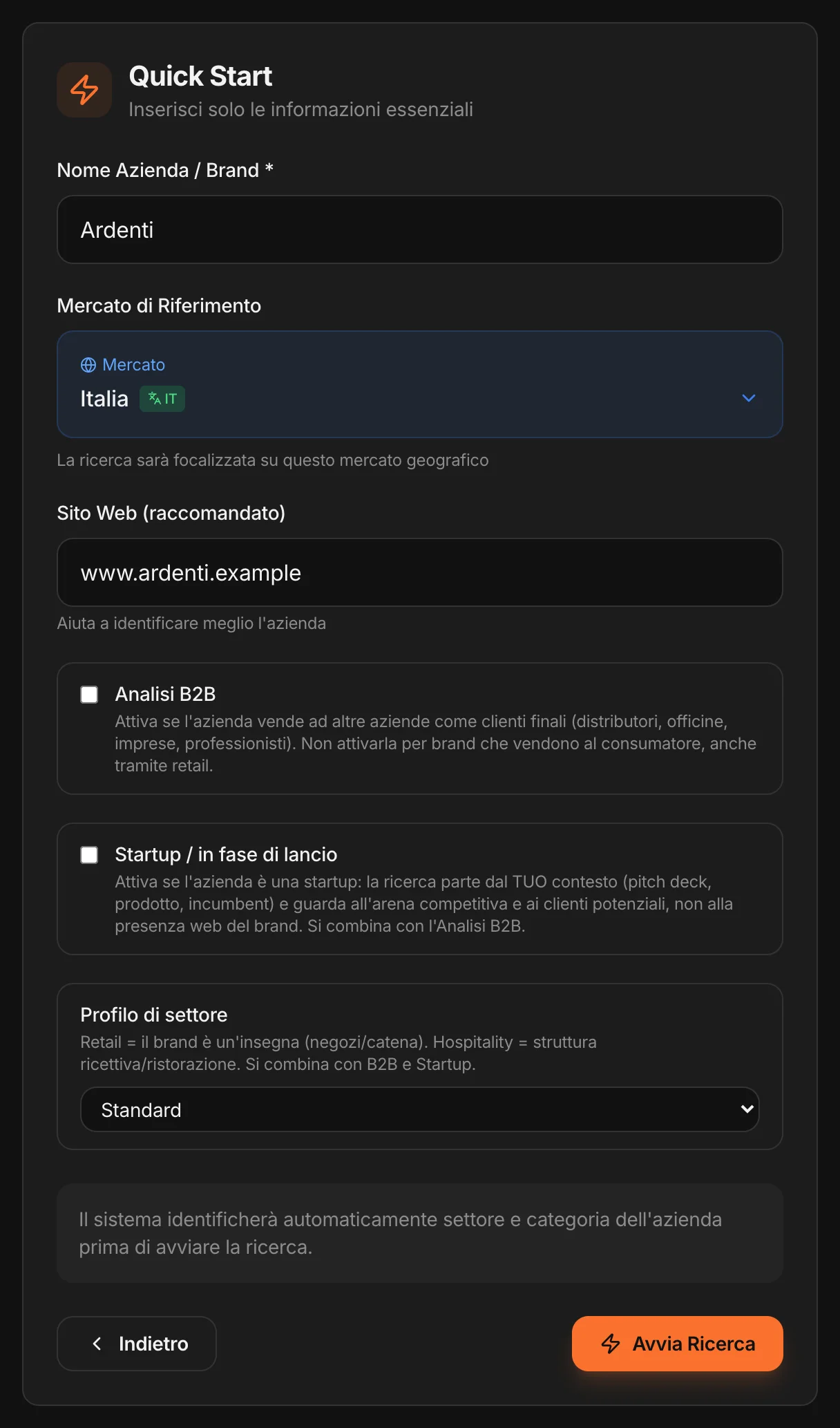
Upload the brief.
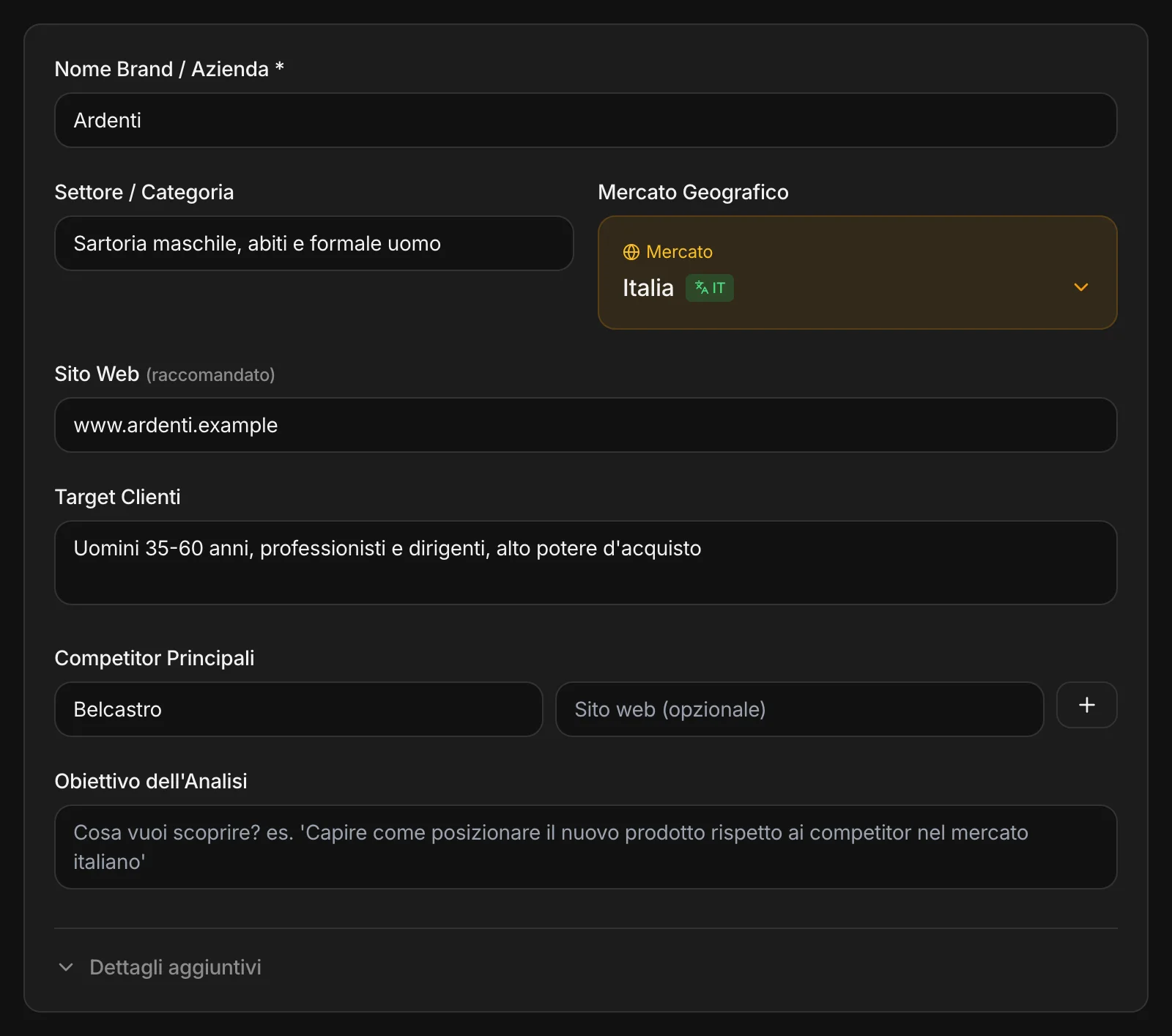
A brief, a research study, a presentation, the list of competitors: you drag in the files — more than one if you like, PDF, Word, Excel, text — and MAPS fills in the fields on its own. Only with what is actually in the documents; and it doesn’t touch what you’ve already written.
What changes in the research
What you write goes into the questions MAPS asks the web and into the way it reads the answers: your competitors, the objective of the analysis, the product, the differentiators, the channels. The research looks where you look. And it doesn’t stop there: MAPS starts from the websites of the competitors you name, then Competition Focus widens the field to the ones you don’t know yet.
The brief isn’t lost
Every uploaded file also goes into the Smart Archive, with its summary and its insights: it stays in the project’s memory, and the chat and the tools use it later.
Fast or targeted.
Quick Start
Detailed Context
Either way, before starting MAPS shows you a summary: brand, market, profile, working language. And it warns you if something important is missing — the website, for example.
You say what market it is.
MAPS changes the research.
You start from Consumer. The other profiles add on and combine: the same project can be B2B and startup, or a chain of venues in its launch phase.
Consumer
The starting point if you sell to people — including through stores and retail distribution: MAPS reads who buys and why, the channels and the retail banners, how the category communicates, what people say.
B2B
If you sell to other businesses: MAPS looks for business customers and decision-makers, direct sales channels and distributors, the conversations among industry players and professionals.
Startup
The research starts from your documents — the pitch deck, the product — and looks at the arena and the potential customers, not at a web presence that doesn’t exist yet. MAPS checks what you claim and flags what still needs to be verified.
Retail & Hospitality
If you’re a retail banner or sell hospitality: your sector’s indicators, and as competitors the other banners or venues in the same catchment area.
Pasta and karaoke.
Tailoring and consulting. In the same workspace.
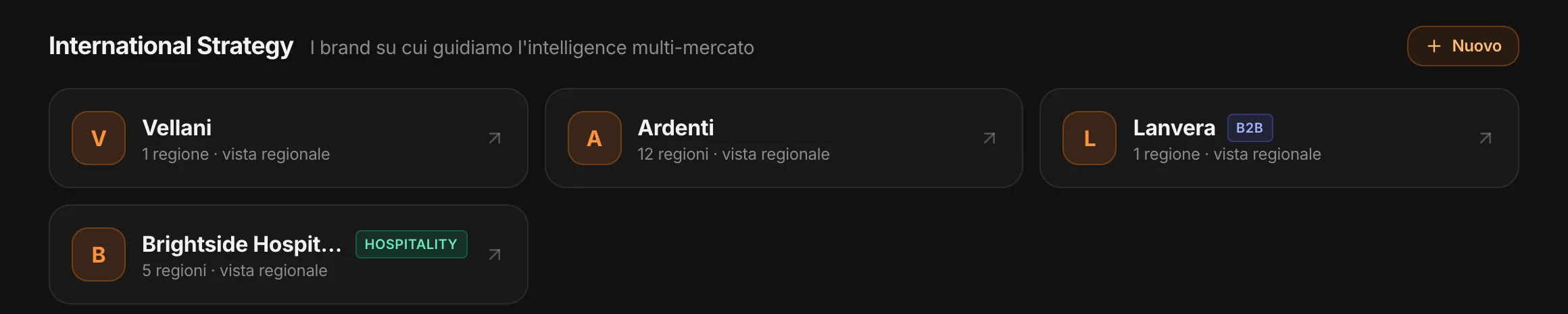
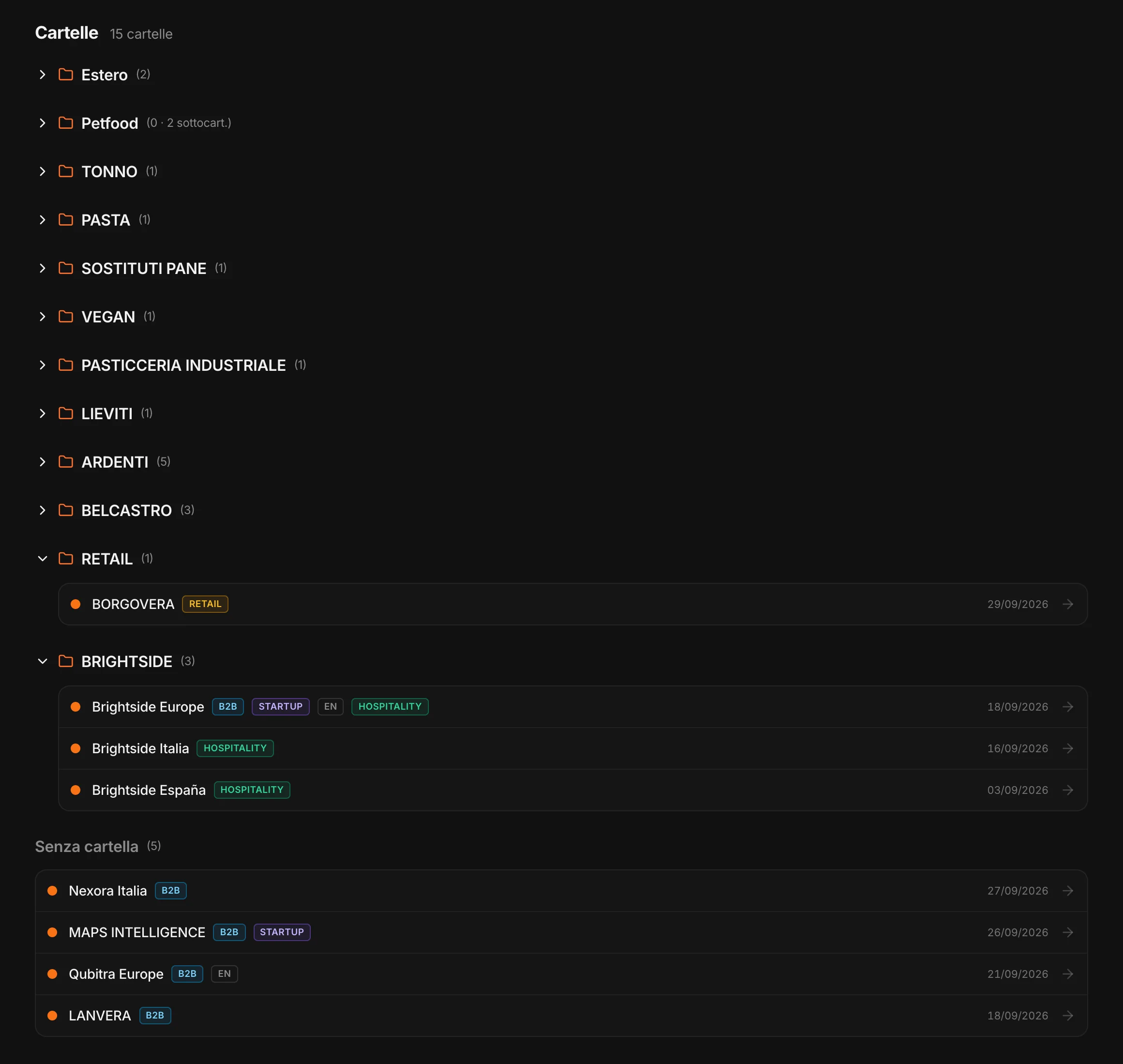
Each project has its own profile, its own language, its own market. Folders keep them in order; brands followed in several countries have their own regional view.
When you come back, the Monitor is full.
Competitors, customers, channels, communication, conversations, news: one module for every question about the market.