The pulse
of all the work.
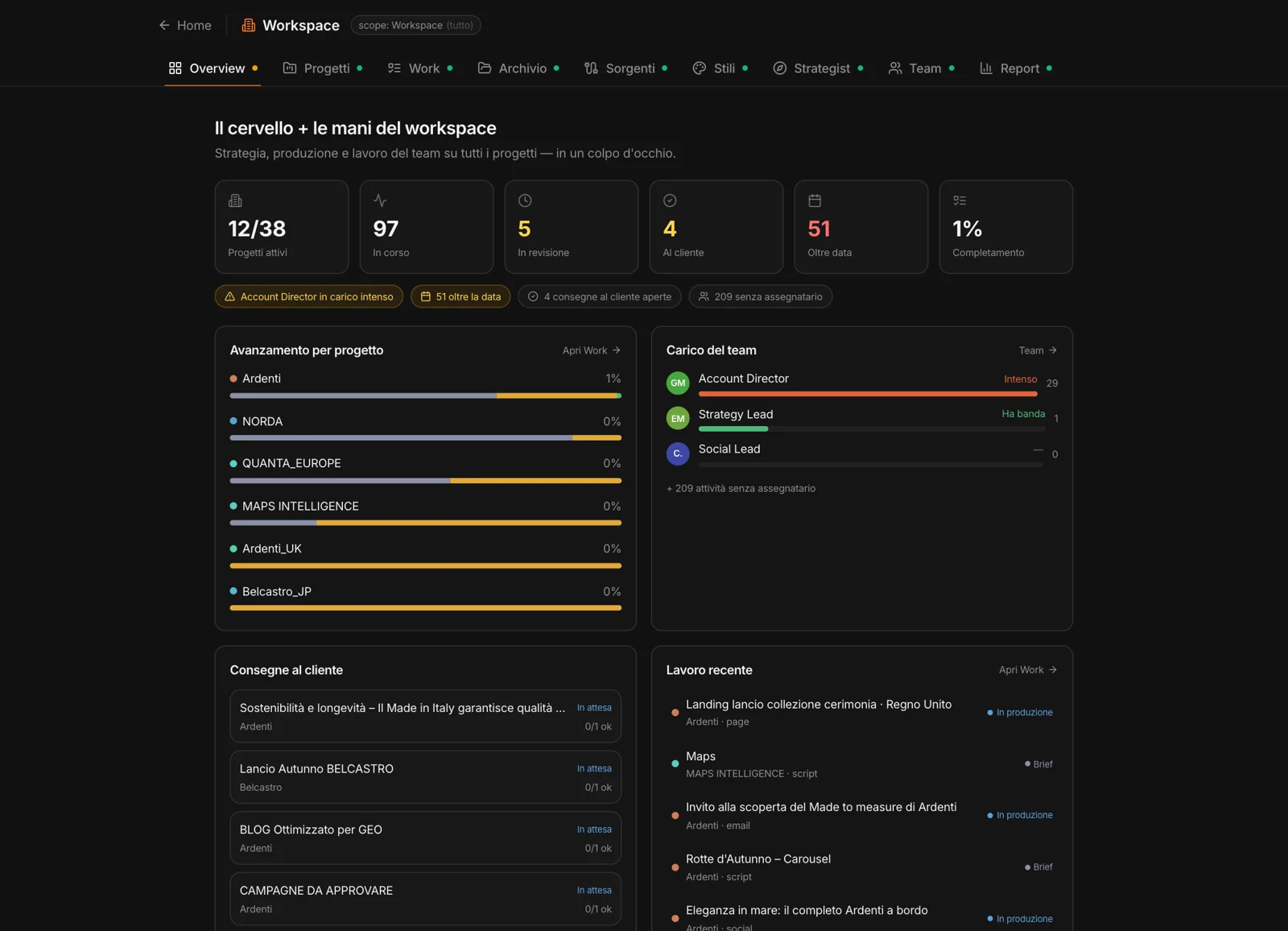
How many projects are active, how many things are in progress, in review, with the client, past due. MAPS lines up the signals — who is overloaded, what’s late, which deliveries are waiting on the client, what has no owner.
Below, each project’s progress, the team’s workload person by person, client deliveries and the Studios’ most recent work.
The whole workspace,
in one place.
Each tab is a way of looking at the projects together.
Projects
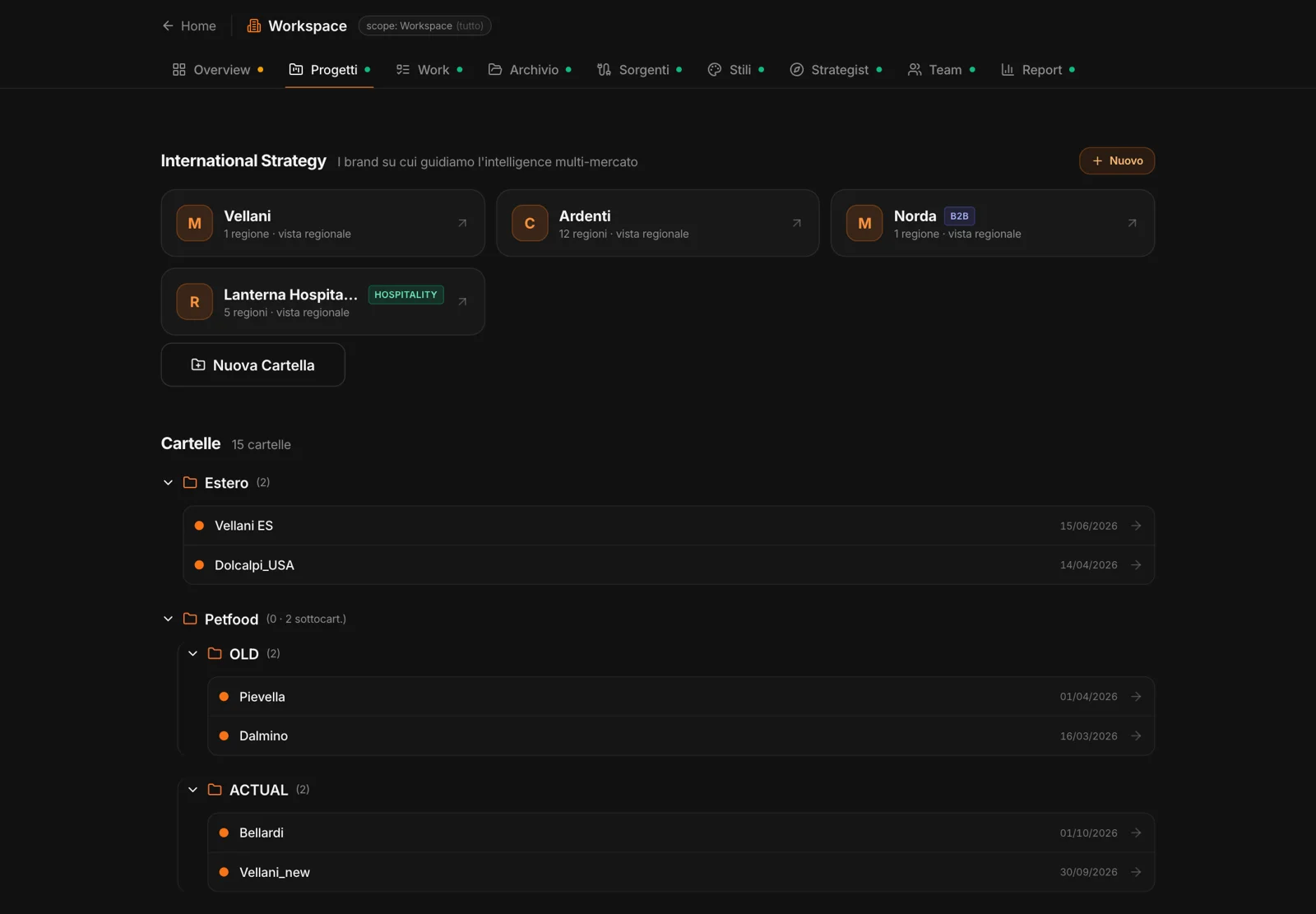
Projects in folders and subfolders, and the multi-market brands of the International Strategy.
Work
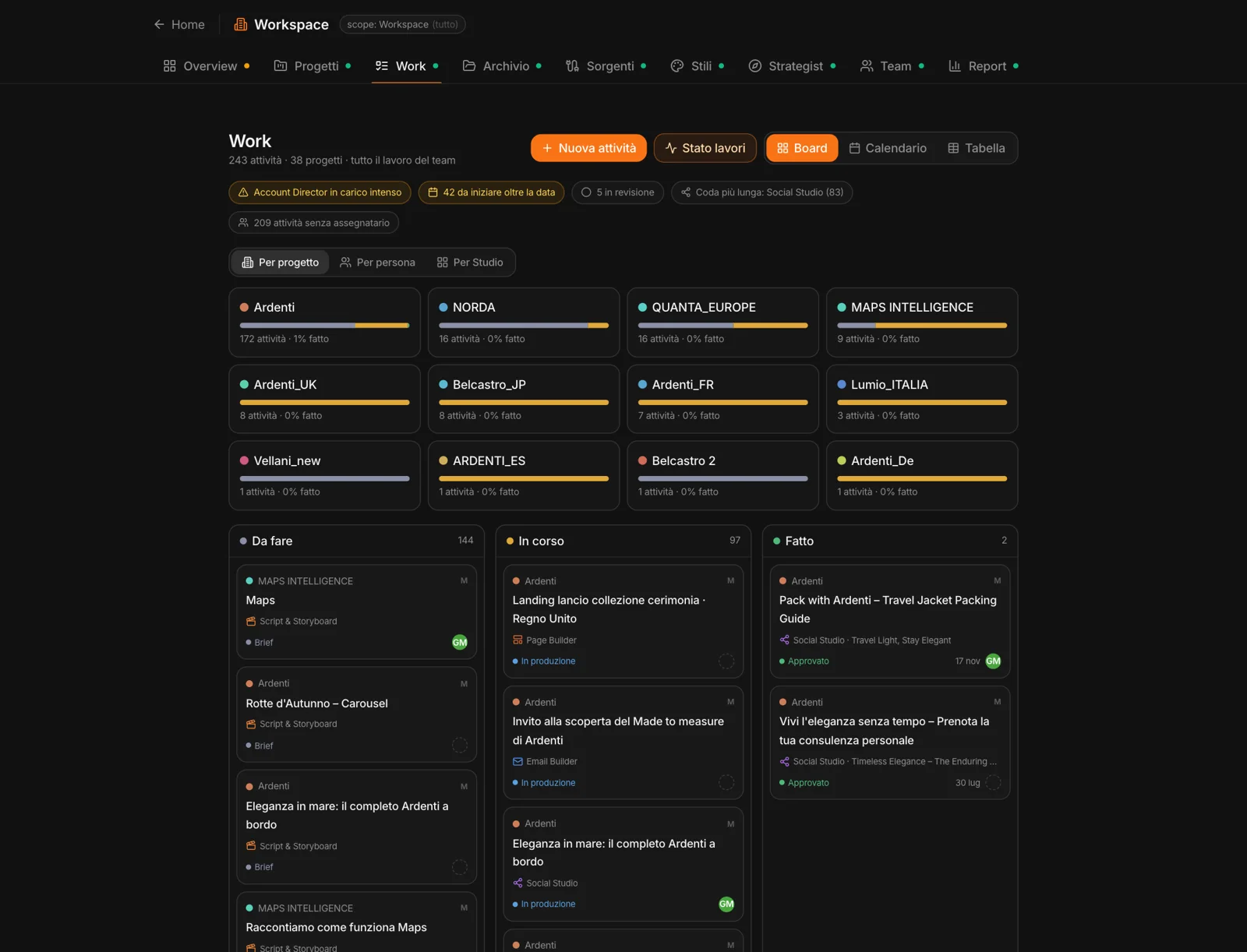
The execution board: every piece of content from the Studios is a task, with an owner, a status and a due date.
Archive
The workspace’s memory: decks, case studies, methods, research — searchable across all projects.
Sources
The archive that feeds itself, for admins.
Styles
The workspace’s style DNA, to activate in projects.
Strategist
The chat that queries all projects together, or the ones you choose.
Team
The workspace’s colleagues: invitations and roles. They’re the same people work gets assigned to.
Report
An executive overview of the workspace, with summary and recommendations, as a PDF.
Folders,
the way you use them.
Projects are organized in folders and subfolders — by client, by category, by market — and moved by dragging. At the top, the brands you follow across several markets, with their regional view.