
Everything
the agency already knows.
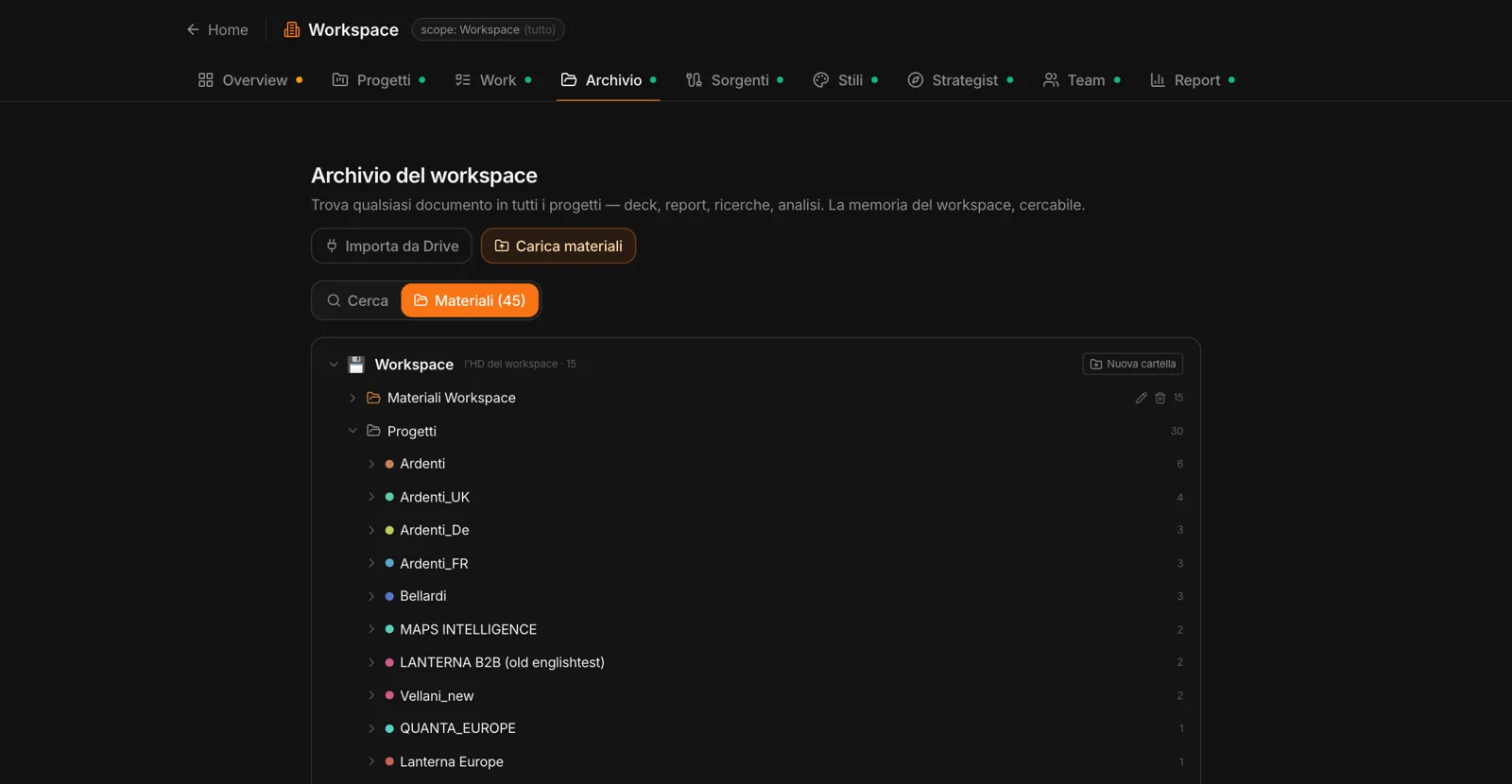
Credentials, case studies, methods, past decks: “Upload materials” takes up to forty at a time — PDF, Word, Excel, PowerPoint, images, CSV, text. Scanned PDFs are read with OCR, images are described, and everything is split into fragments and indexed.
“Import from Drive” brings in the files you pick from your Google Drive. Materials are organized in nested folders; those belonging to individual projects stay where they are, and you can browse them from the archive.
One question,
every project.
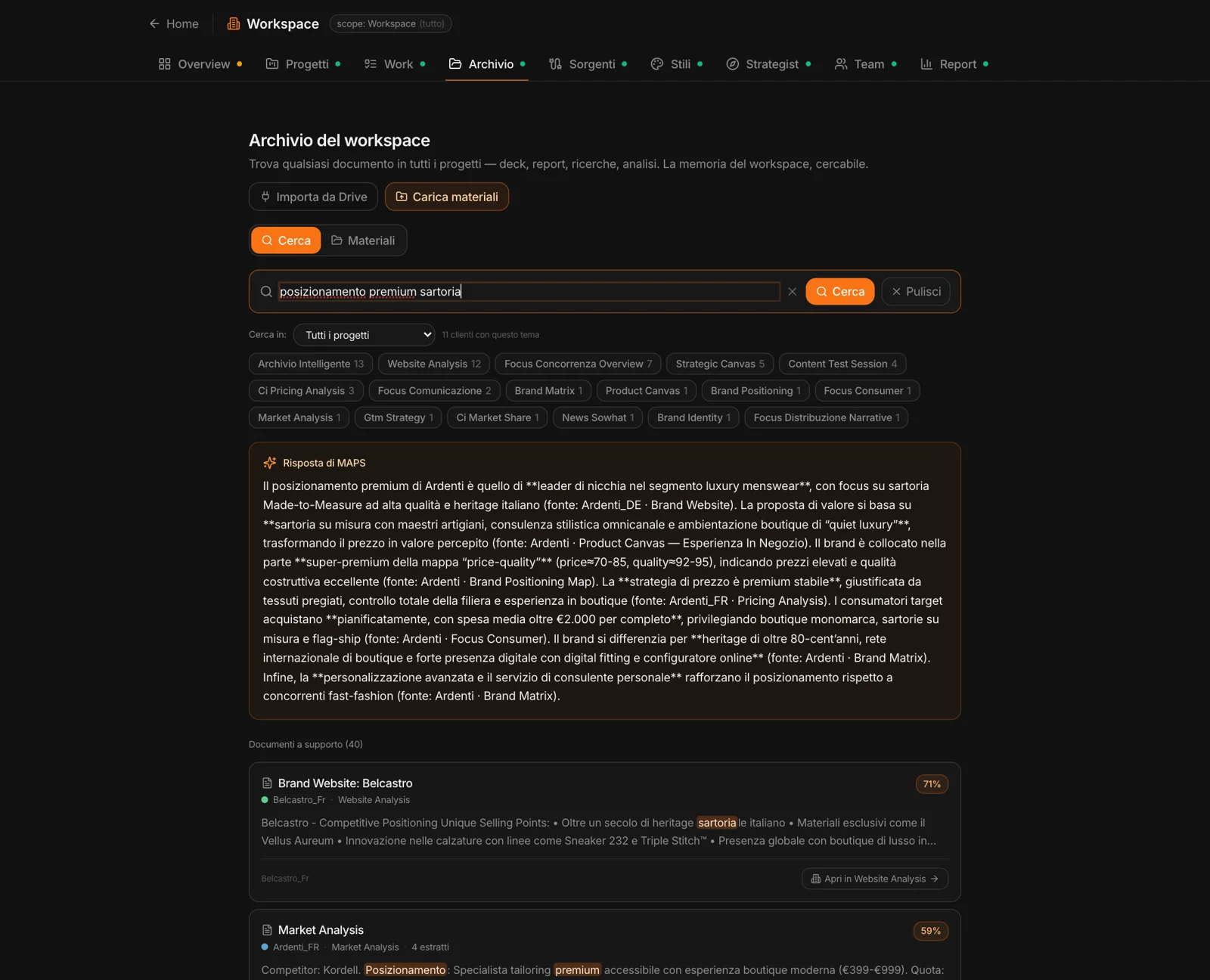
Type a word, a topic, a brand. MAPS understands whether you want to find a document, get an answer or see the connections between things: it answers, then lists the documents with their relevance and the right passage. Filter by source type and by project; “Open in…” takes you to the exact spot.
The archive
that feeds itself.
For admins, automatic sources: a Drive folder shared with MAPS, which comes in on its own and resyncs every few minutes; or n8n, for sources like OneDrive or custom logic. The Status tab shows what came in, from where and for which project.
Whatever enters the archive is used by the Strategist when you turn on “Workspace materials”.