
The style
A way
of writing and of seeing.
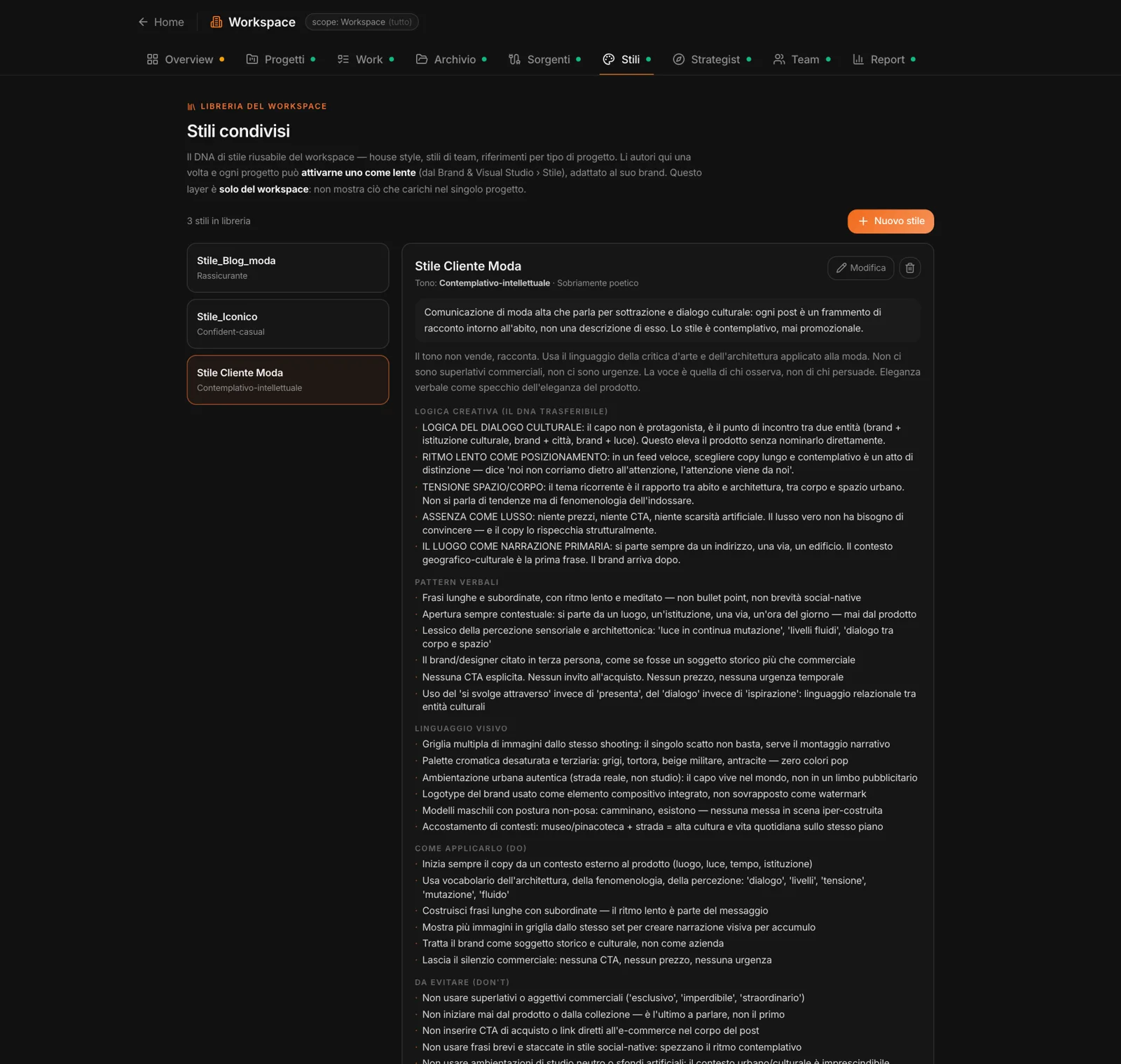
A workspace style starts from what represents it: the copy you paste, up to eight images, up to four documents. “Analyze style” turns it into a profile: the tone, the creative logic — the DNA that can be transferred —, the verbal patterns, the visual language, what to do and what to avoid, the examples.
You can edit the profile by hand. House style, team styles, references for a type of client: admins create them, once, for everyone.
In projects
A lens,
adapted to the brand.
In a project’s Brand & Visual Studio, “Style” also lists the workspace styles: you turn one on as a lens. It’s applied after the Brand Kit rules, adapted to the brand — and from there the Studios use it: posts, emails, pages, articles, video scripts, key visuals, country adaptations, and Create on the canvas.