
Claim, direction,
accent.
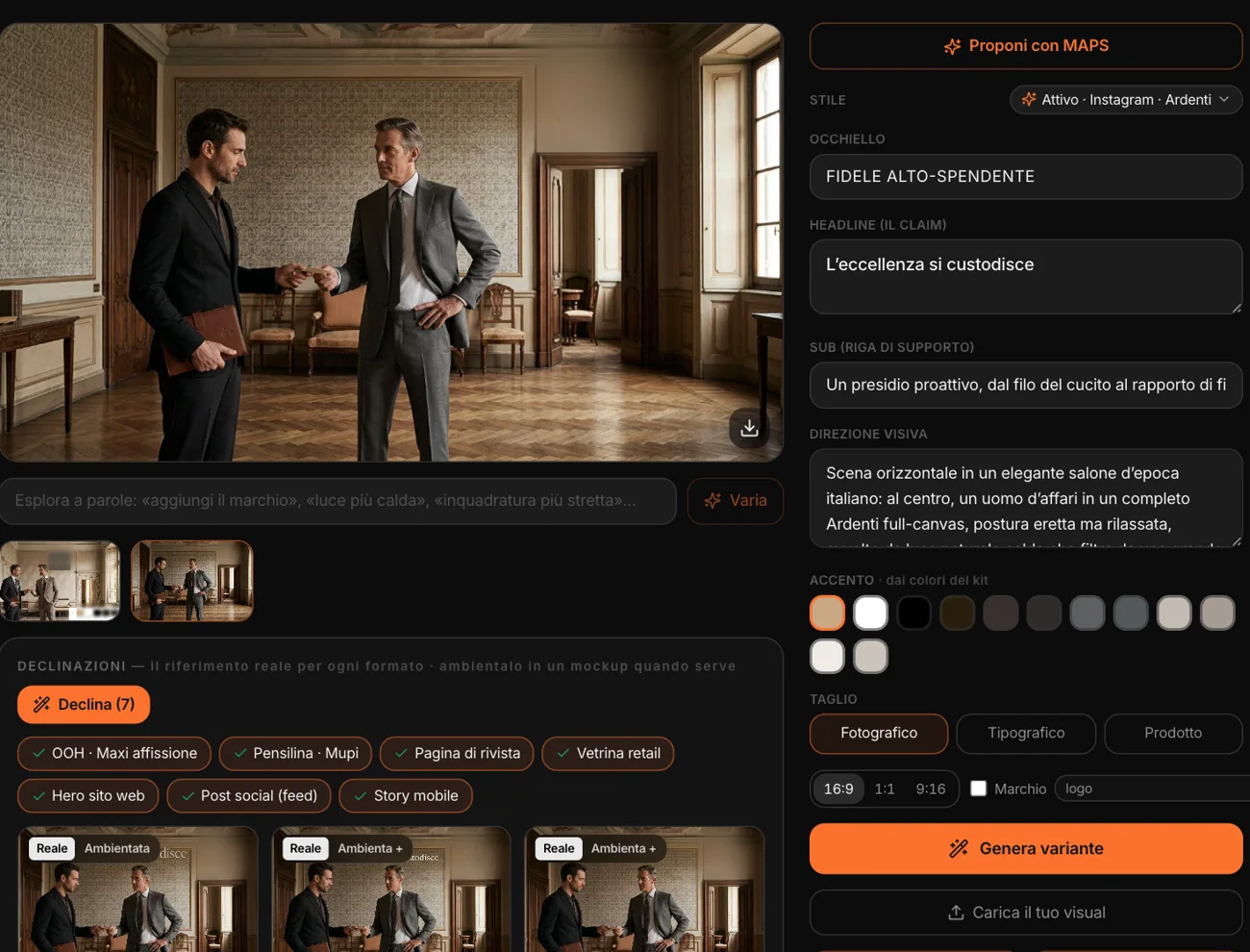
Pick the campaign. Propose with MAPS writes the kicker, the claim, the supporting line and the visual direction — the scene, the framing, the light —, picks the accent from the Brand Kit colors and the approach: photographic, typographic or product. It reads the campaign — objective, KPIs, target —, the brand identity, its rules and the active reference style.
If the campaign comes from a Campaign Lab concept, the key visual starts from there: MAPS improves it, it doesn’t throw it away. The claim, which ends up printed on the image, is written in the market’s language. Every field is still yours to correct.
Generated,
within the brand.
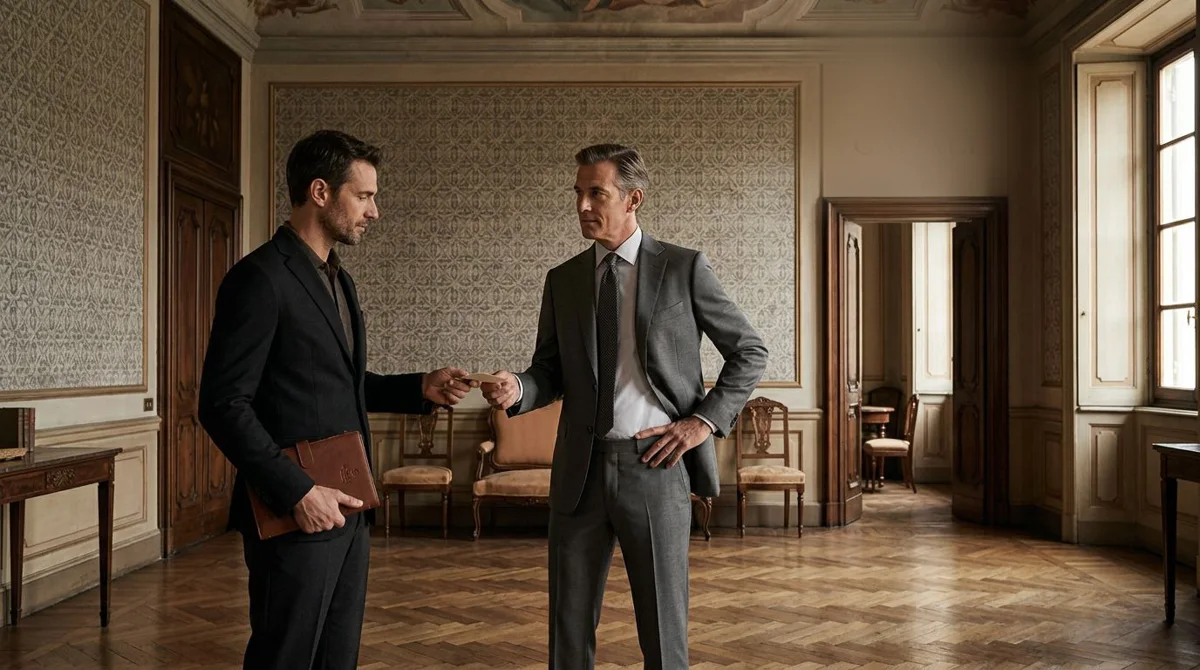
“Generate variant” creates the image from the visual direction, with the Brand Kit’s style references and colors; with “Mark” it actually composes the logo, or one of its variants. Landscape, square or portrait format.
Up to six variants per campaign, one active. “Vary” edits it in plain words — “warmer light”, “tighter framing” — and creates a new one. If you already have the visual, you upload it.
Seven formats,
each in its own setting.
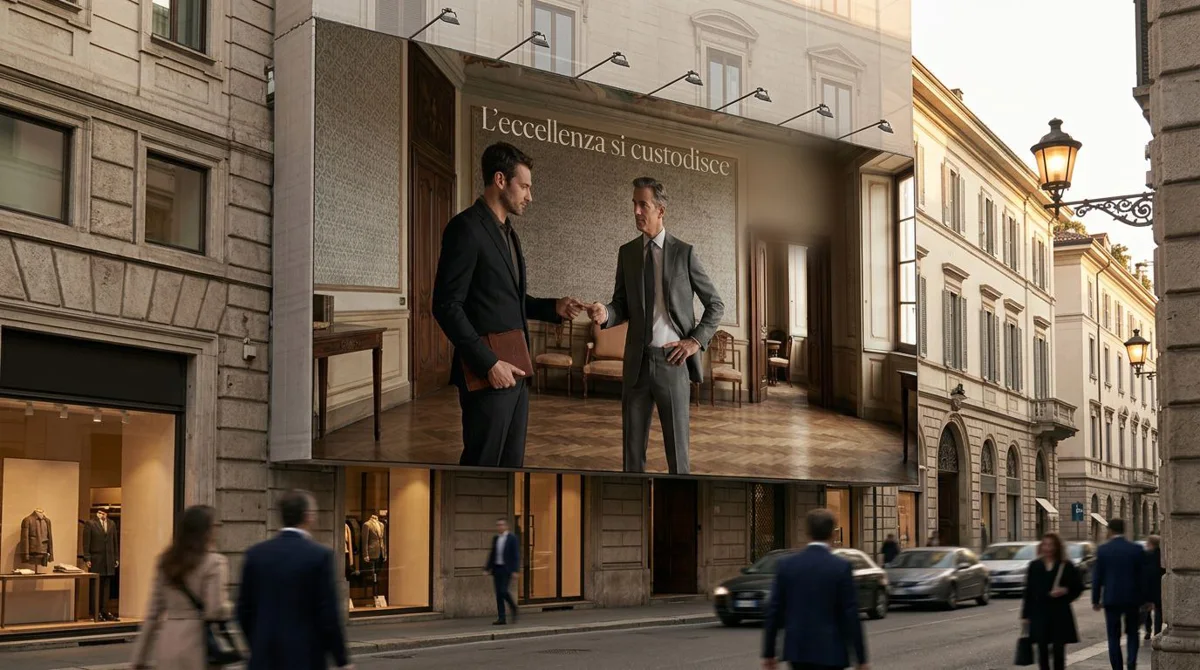
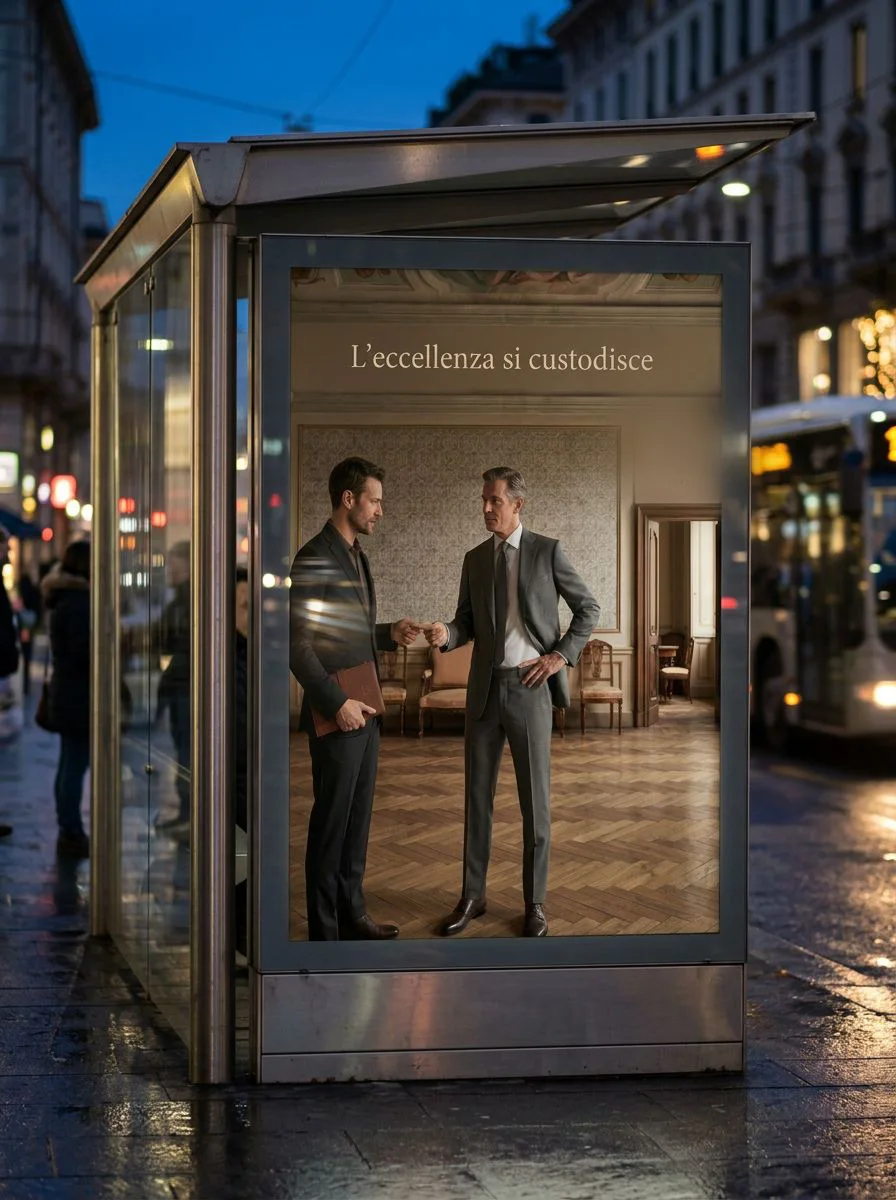
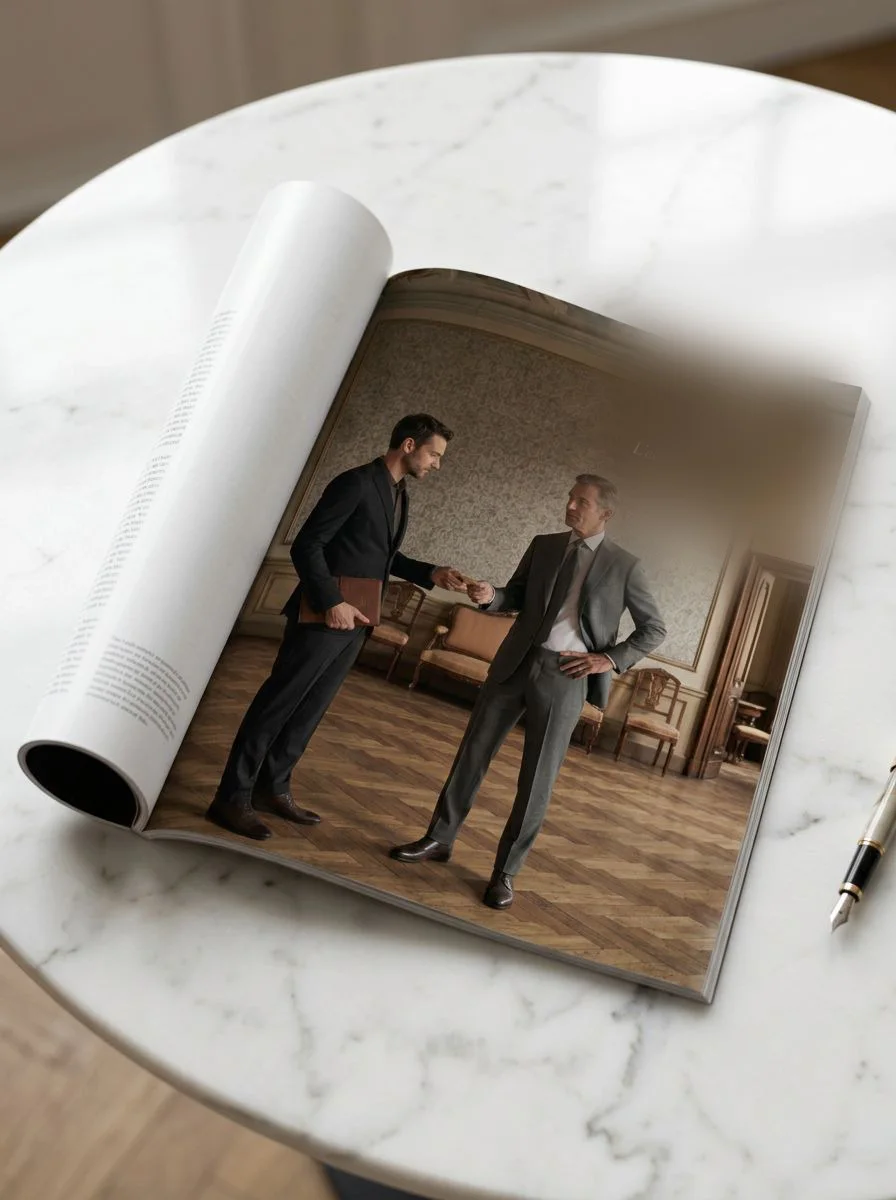
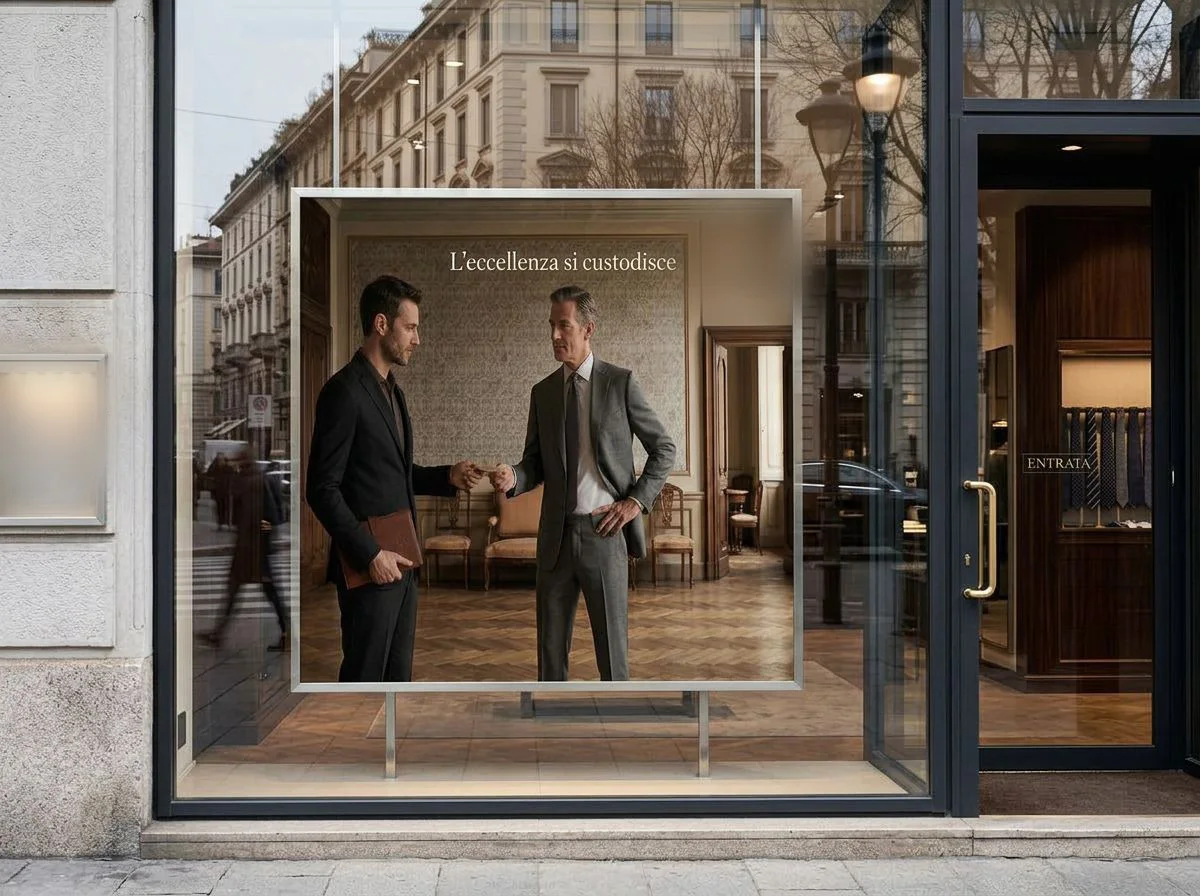
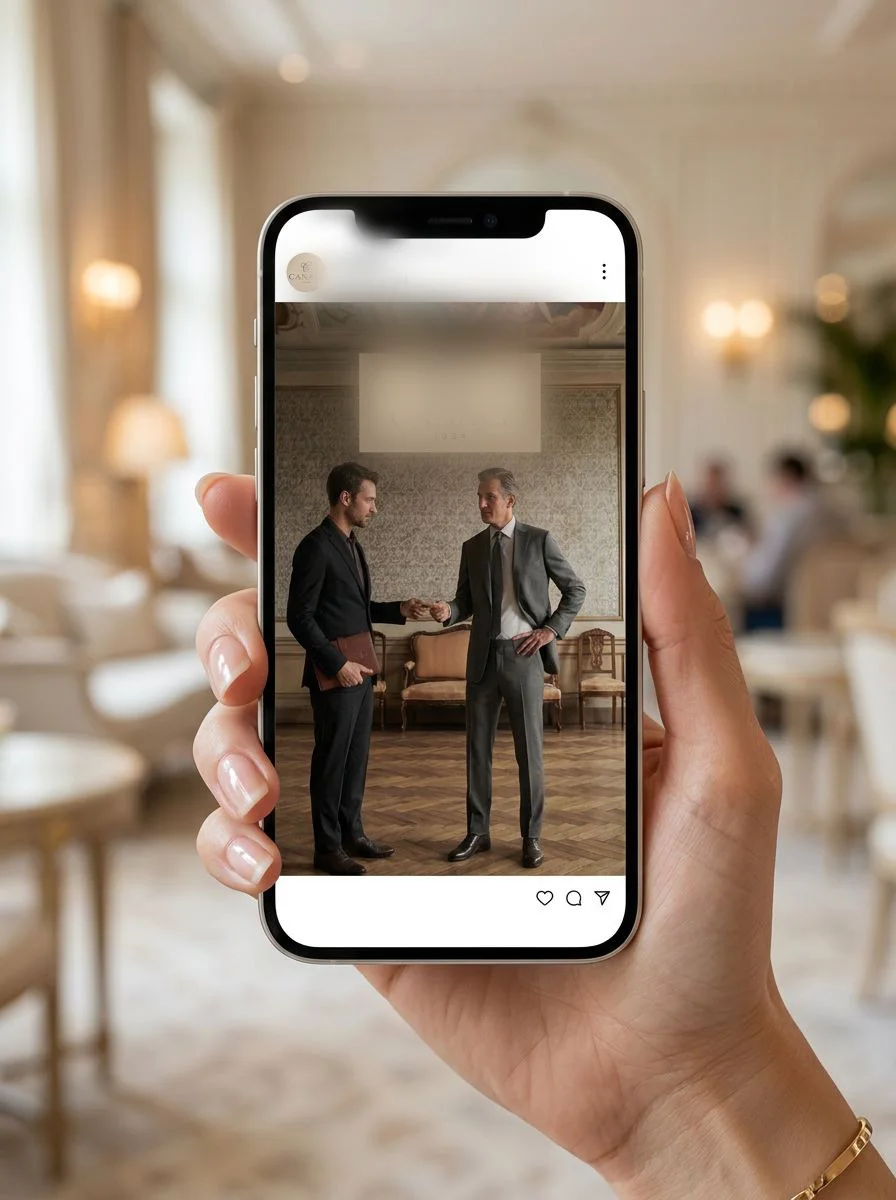
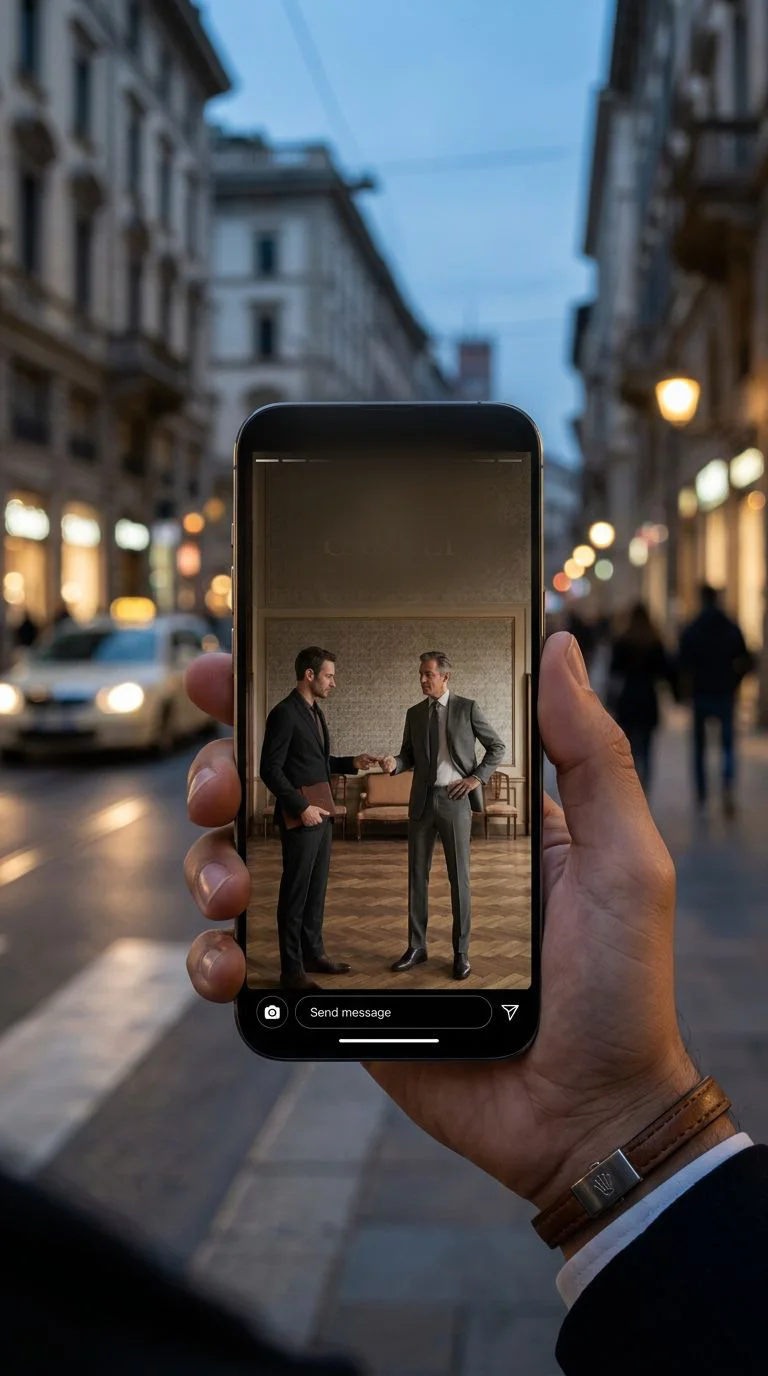
“Adapt” takes the visual into the media formats: large-format billboard, bus shelter, magazine page, shop window, website hero, social post, story. It’s not a crop: each format is recomposed, same subject and same colors, with the right balance for that ratio; on print formats the claim is set on the artwork.
Then, with “Stage”, each format is shown in its real context: the facade of a building, the bus shelter at night, the magazine on the table, the shop window, the website on a laptop, the post and the story in someone’s hand. That’s how you present it to the client — the way the audience will see it. Each format can be regenerated on its own, corrected in plain words, downloaded flat or staged. And each variant keeps its own adaptations: you try a new path without losing the previous one.

On-brand?
And for the people who see it?
The key visual goes through the same checks as the content in the Studios.
Brand consistency
The consistency lens judges the active variant — text and image — and the score stays with the variant.
Synthetic users
The project’s personas look at the image and react: what they like, what worries them, what they would change.
Cultural judge
How the claim lands, with the image, in the project’s country or in another one.
In Social Studio
The active visual becomes the style anchor for the campaign’s posts, and its accent the color of the text on the images.