A country,
in a few minutes.
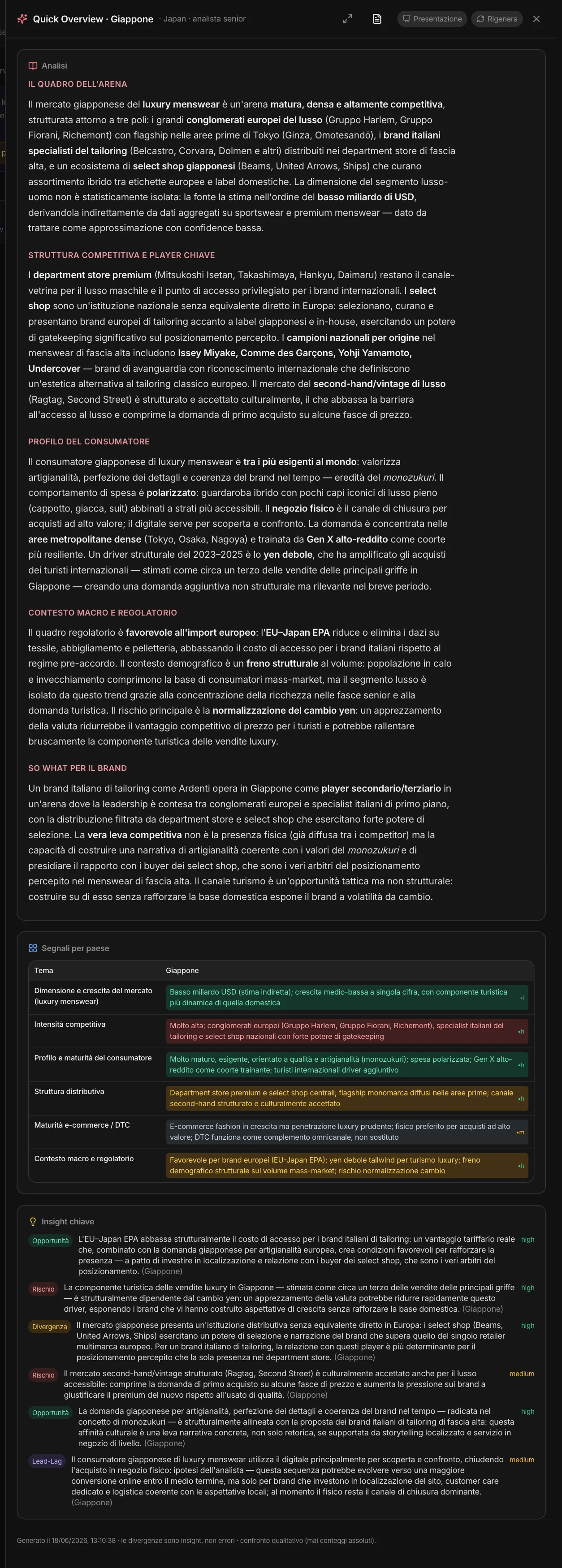
Pick a country from a list: MAPS searches the web and a senior analyst writes the market picture — the arena, the players and the competitive structure, the consumer, the macro and regulatory context, and the “so what” for your brand. Without opening a project, without the full research.
Below, the country’s signals theme by theme and the insights: opportunities, risks, who is moving first. It exports to PDF, becomes a presentation, and can be regenerated whenever you want.
It doesn’t stay
an isolated page.
The Quick Overview works with the rest of the area.
In clusters
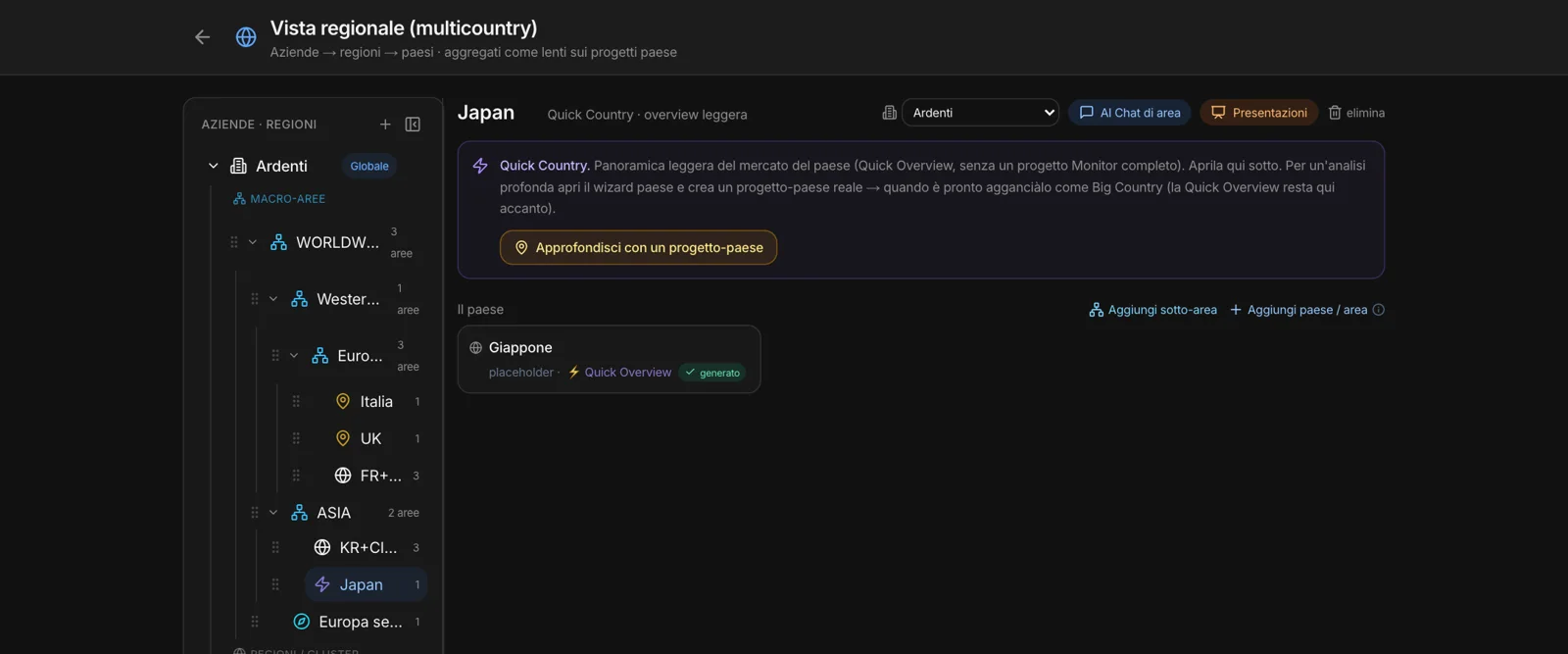
A country added from the list, with no project, has its own “⚡ Quick Overview”: you open it and generate it from there.
In the roll-up
In a macro-area, a country with no project brings its Quick Overview as its position in the comparison.
On the Area Canvas
It can be imported onto the canvas, next to the research on the other countries.
In the memory
It goes into the area’s memory: the area chat uses it.
When the country
deserves more.
“Go deeper with a country project” creates the country’s project and opens the starting flow with Quick Start already filled in: the company’s brand and the country. You launch the full research, and when it’s ready you attach it as a Big Country. The Quick Overview stays right there next to it.
An established market,
in its own right.
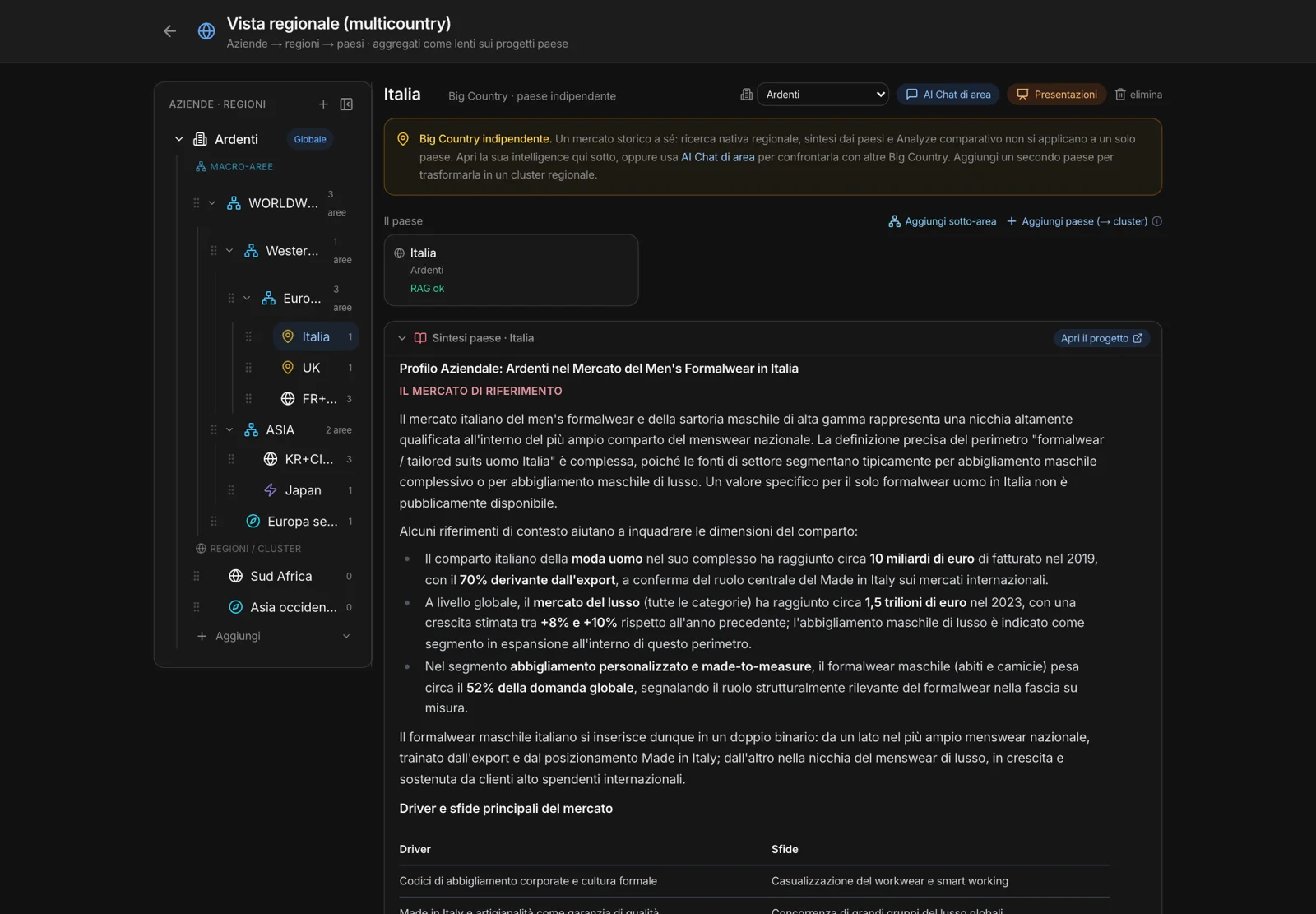
A country project with all its research, treated as an independent market. The page shows the country synthesis from its Competitive Intelligence and takes you to the project with “Open the project”. With the area chat you compare it with other Big Countries.
Add a second country and it becomes a cluster: native research, synthesis and Analyze start from there. And inside a macro-area, the Big Country brings its project’s data into the comparison between sub-areas.