
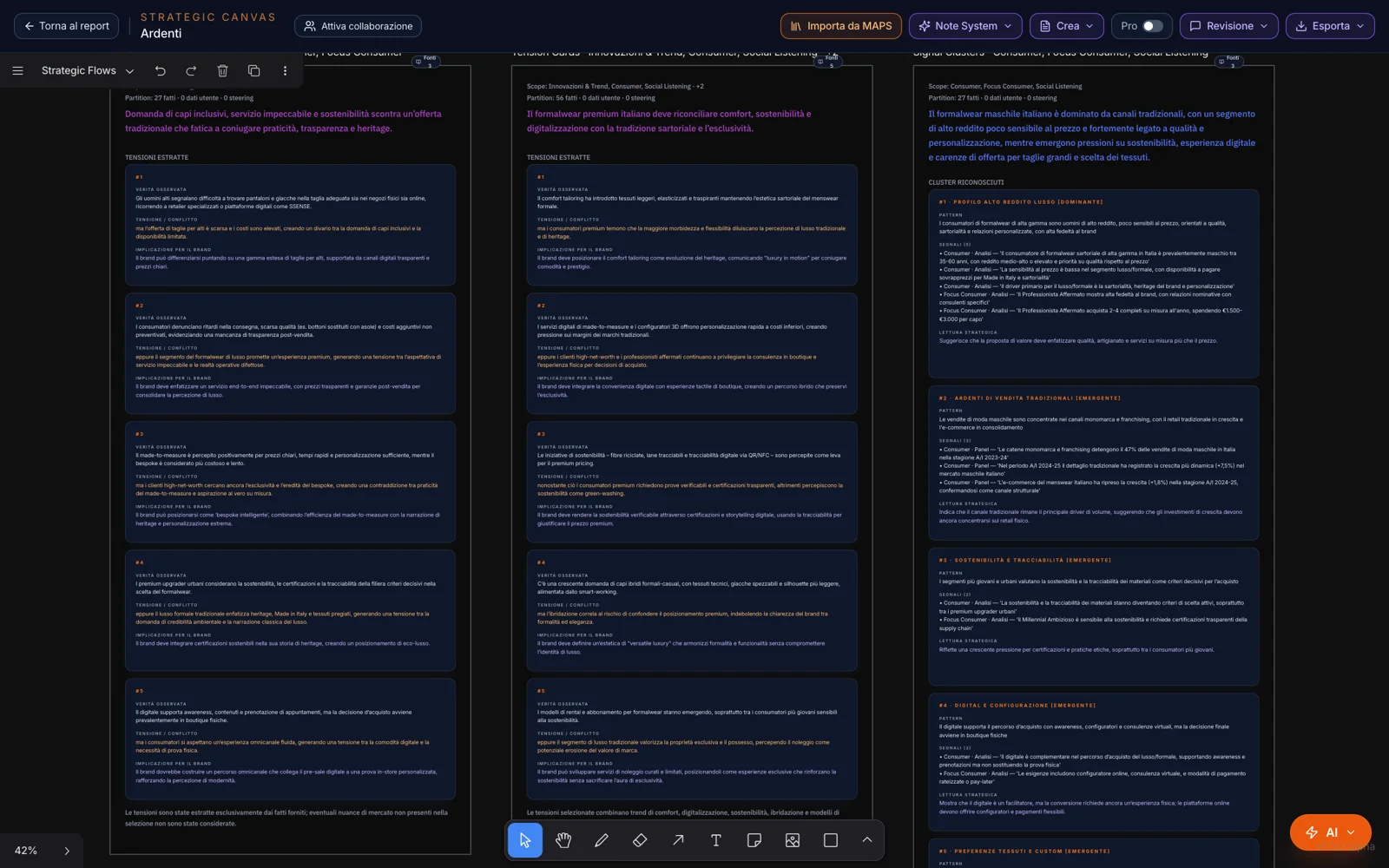
The essential canvas,
or the full one.
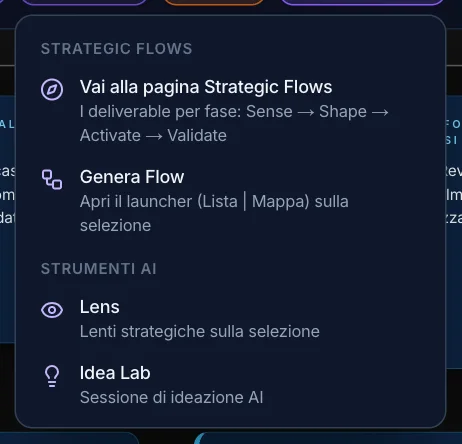
“Pro” in the toolbar turns on the Advanced menu: Strategic Flows, Strategic Lenses, Idea Lab. Turn it off and the canvas goes back to essentials. The intelligence at work doesn’t change: what changes is how much control you want.
Create is the guided route; Advanced lets you choose what to work on, with which method, and collects the results on their own pages.
From signals
to strategy.
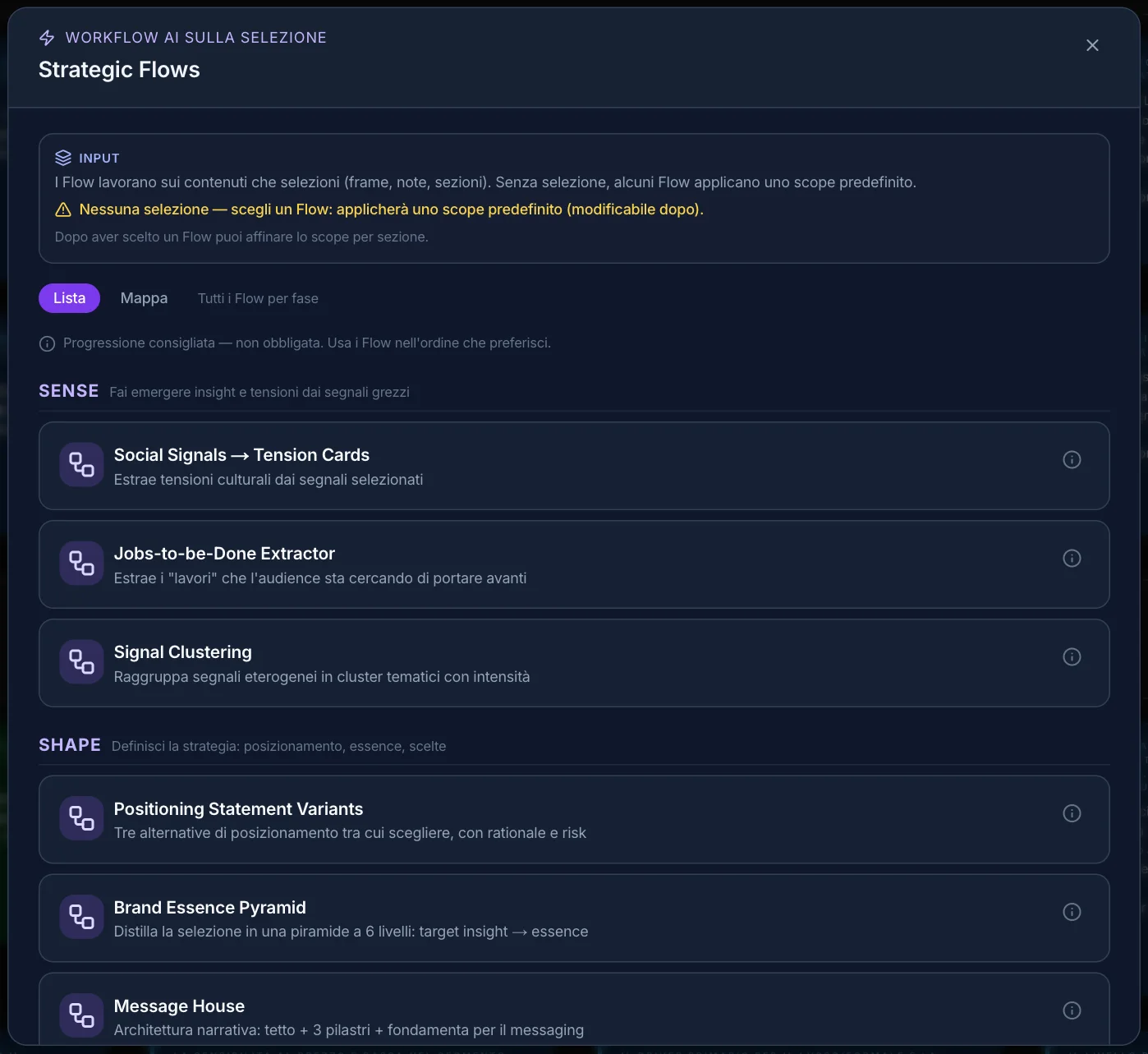
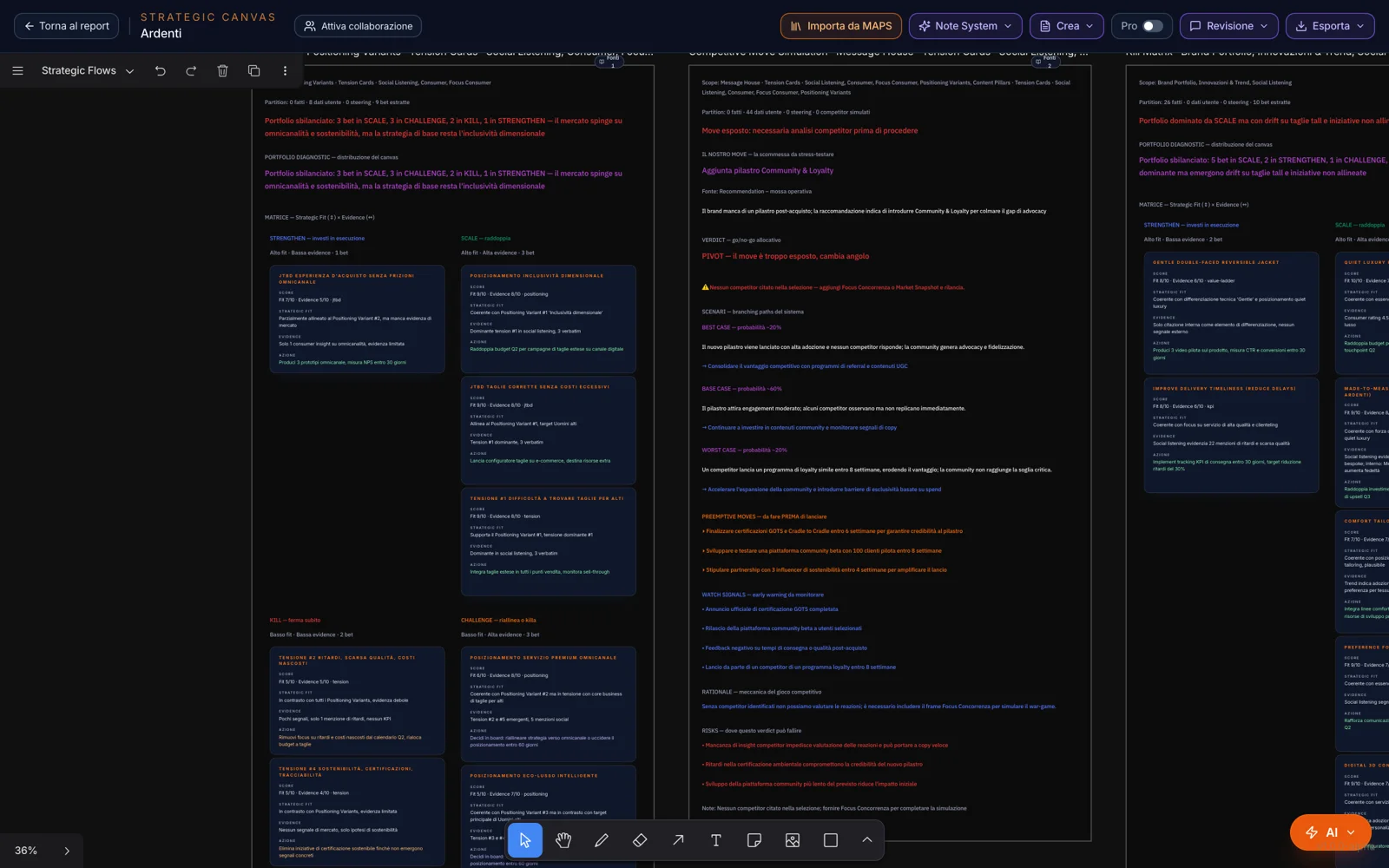
Thirteen workflows in four phases, to use in order or whenever you need them. They work on what you select — sections, cards, notes, even images — or on a scope proposed for each flow, which you can widen.
Sense
From social signals to Tension Cards · Jobs-to-be-Done · Signal Clustering.
Shape
Positioning variants · Brand Essence Pyramid · Message House · Value Ladder · Strategic Choice Cascade · Value Proposition Canvas.
Activate
Campaign Brief Skeleton · Content Pillars.
Validate
Kill Matrix — scale, strengthen, challenge or kill · Competitive Move Simulation — go, go with caution, postpone or change course.
One flow
sets up the next.
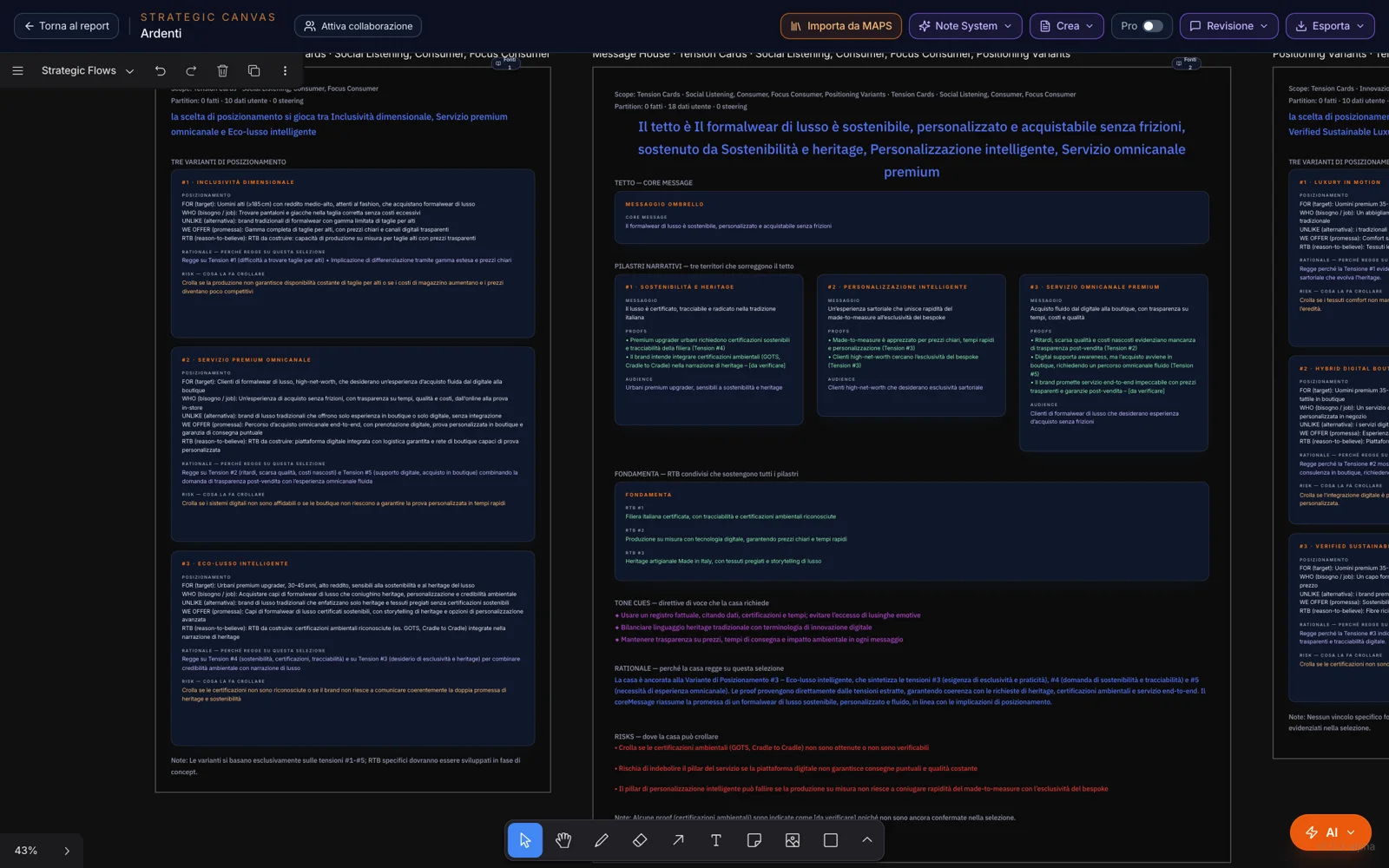
Every result remembers which flow it came from: the Map shows what’s already on the canvas, what has its inputs ready and what makes sense next. The Tension Cards feed the positioning variants, which feed the Message House, which leads to the Kill Matrix.
Before placing it you see a preview, and “Promote to canvas” puts it on the Strategic Flows page, in its phase’s band.
A critical eye,
on your selection.
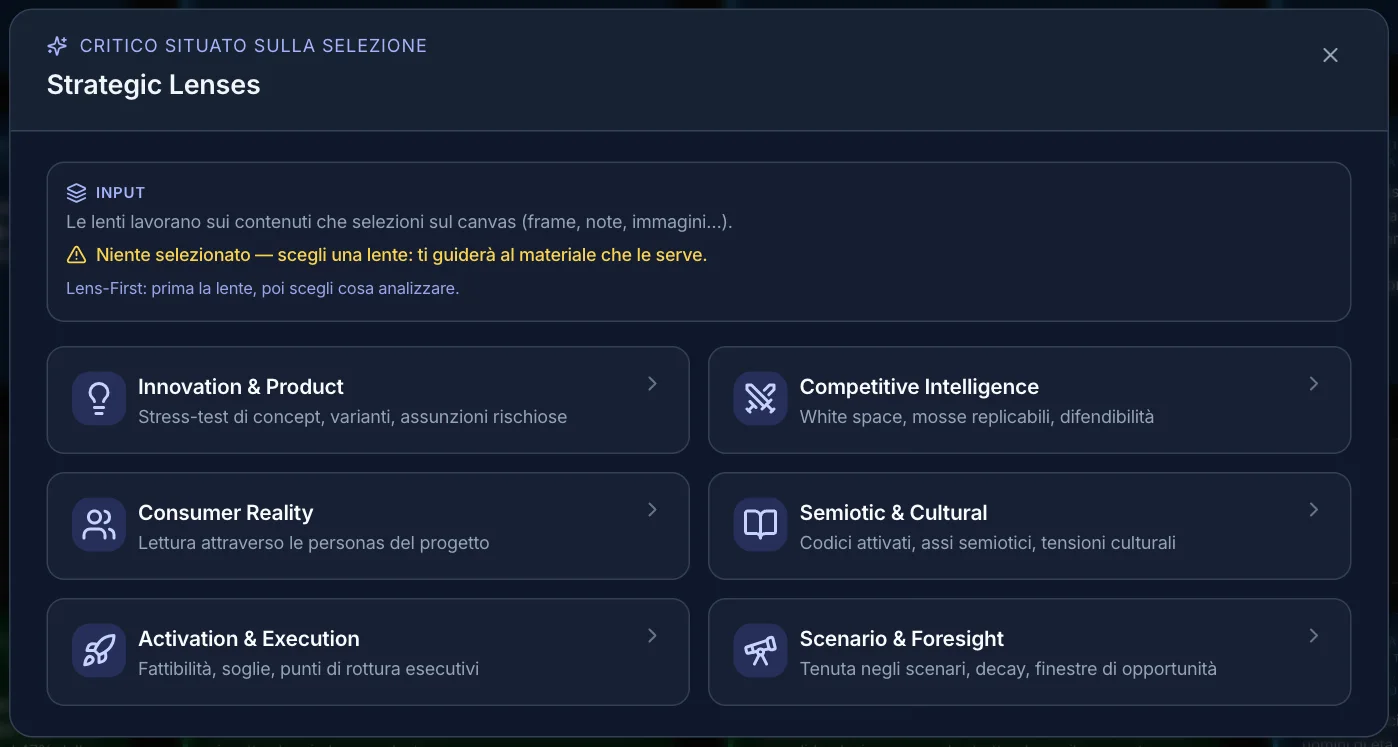
Six lenses: Innovation & Product, Competitive Intelligence, Consumer Reality, Semiotic & Cultural, Activation & Execution, Scenario & Foresight. Each with three ways of questioning — for example white space, defensibility, risky assumptions, scenarios — or a question of your own.
The answer is a one-sentence verdict and cards with clear levels: severity, feasibility, impact. The Consumer lens has the project’s personas you choose react, one by one. With nothing selected, you choose the lens first and it takes you to the material it needs.
Ideas with a method,
on the project’s data.
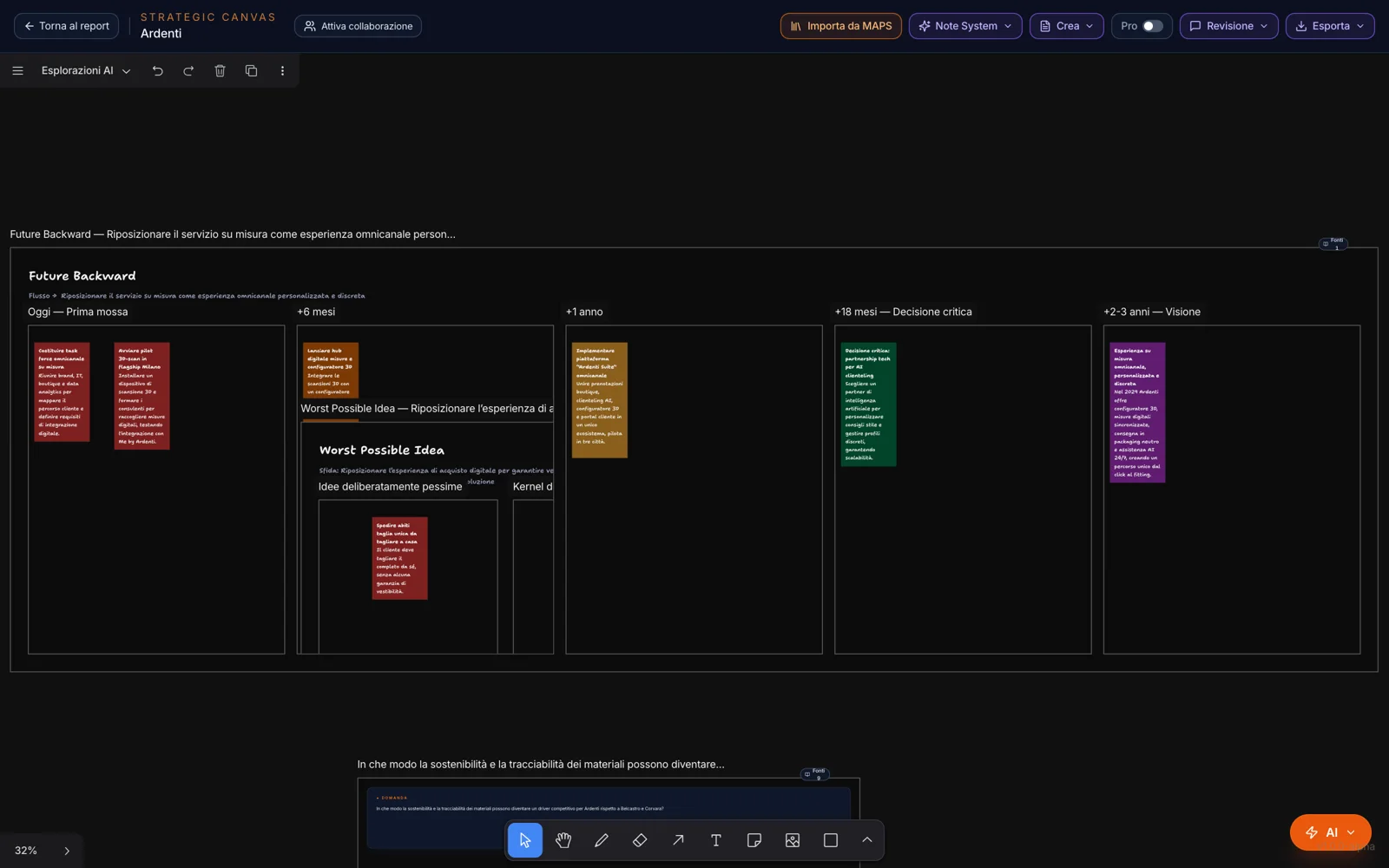
Start from a challenge — MAPS suggests three from the project — or from an idea to strengthen. Choose the method, or let MAPS choose it and explain why. The ideation draws on the context, the brand, the competition, the value proposition and the social listening.
Divergence
SCAMPER · Reverse Brainstorming · Random Entry · Worst Possible Idea · Starbursting.
Connection
Forced Analogy · Biomimicry · Cross-Industry Transfer · Concept Mashup.
Depth
Six Thinking Hats · 5 Whys · Problem Reframing.
Construction
Design Thinking Sprint · Mental Rapid Prototyping · Future Backward.

Lens and Flow also open from the Sections panel, when you have something selected: “send to AI”.