
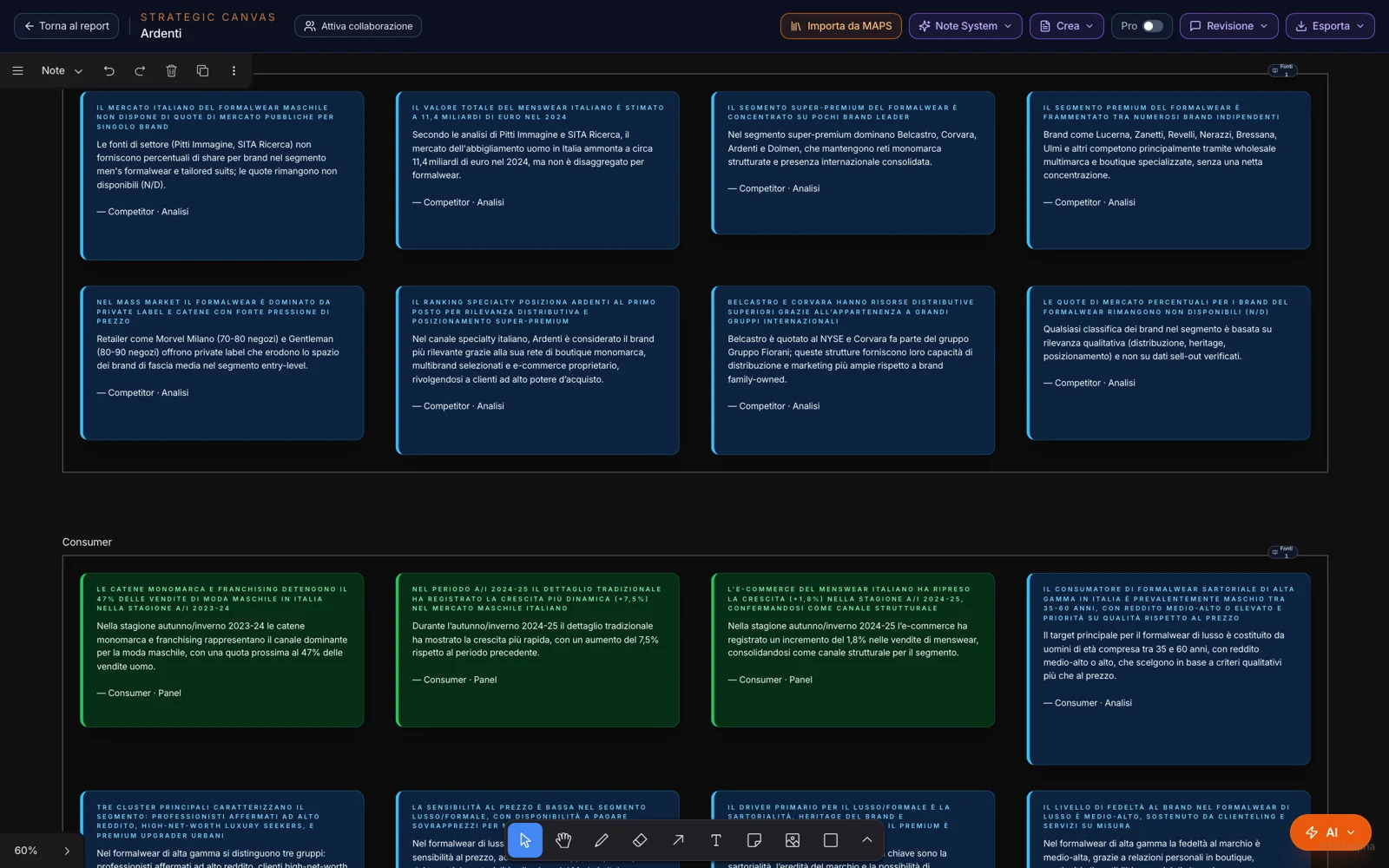
From the research,
automatically.
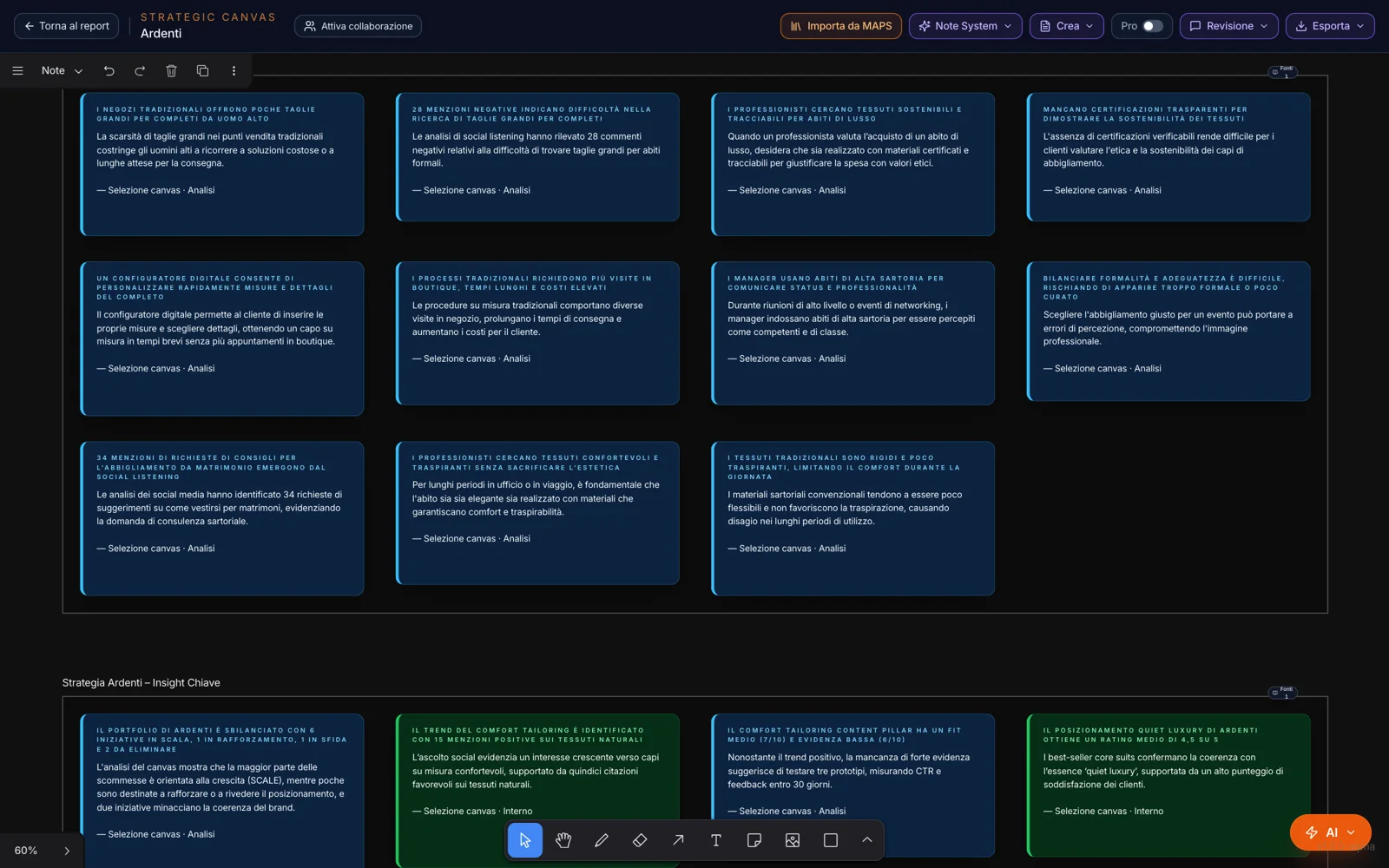
“Import Notes” takes the Monitor modules you choose — market, competitors, consumers, channels, communication, prices, innovation, social listening, the Focus modules — and distills them into atomic notes, one group per module.
If you regenerate a module, its notes update without duplicates; the ones you wrote or imported yourself stay where they are.
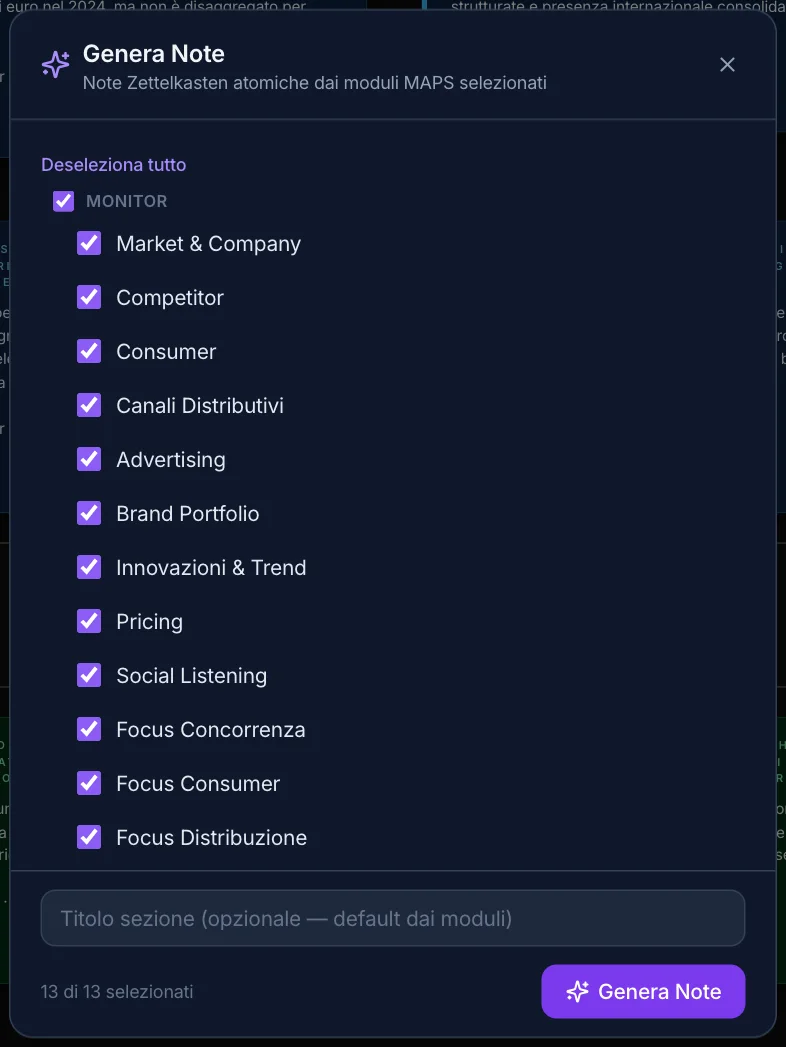
One useful sentence,
and it becomes a note.
Notes don’t only come from the research.
Create Note
You select some text on a MAPS page and choose “Create Note” from the Text actions: it gets distilled and lands on the canvas.
Convert to Notes
You select cards, sections or images on the canvas: MAPS distills them into notes, reading the text in the images too.
From the chat
An answer from the RAG Chat, or part of one, becomes a note in one click.
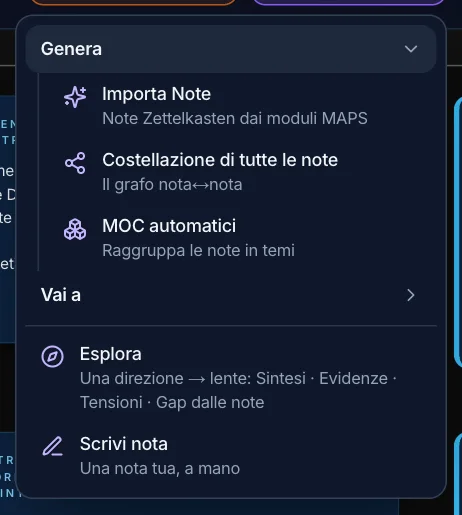
Write note
Your own: a thesis, the body in a few sentences, and the type — opinion, analysis or mixed.
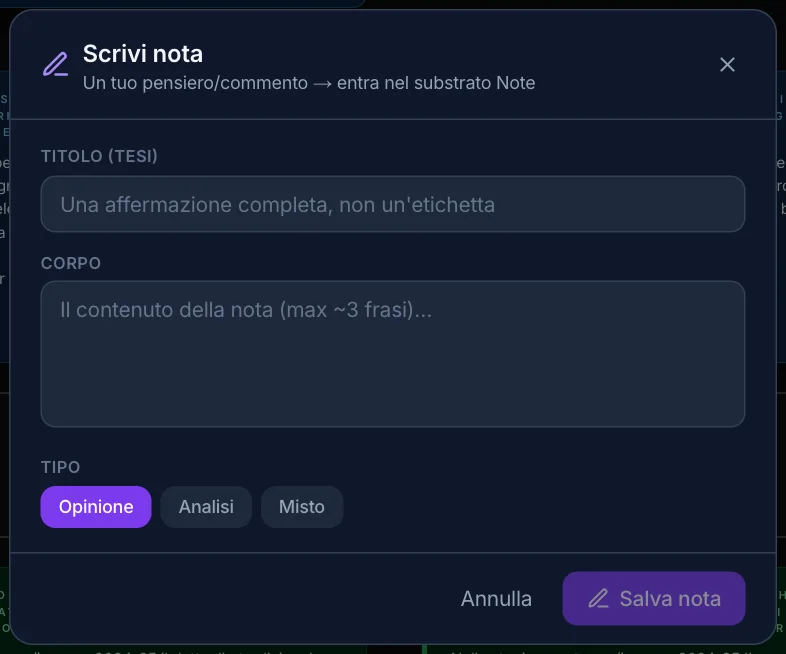
A thesis,
not a jotting.
Every note has a title that asserts something, a body of a few sentences and its source. The color tells you what kind of evidence it comes from: a panel or internal data, an analysis, an opinion.
When MAPS draws several notes at once, it also proposes the links between them. The notes end up on the Notes page, grouped by origin.
The ideas,
and how they hold together.
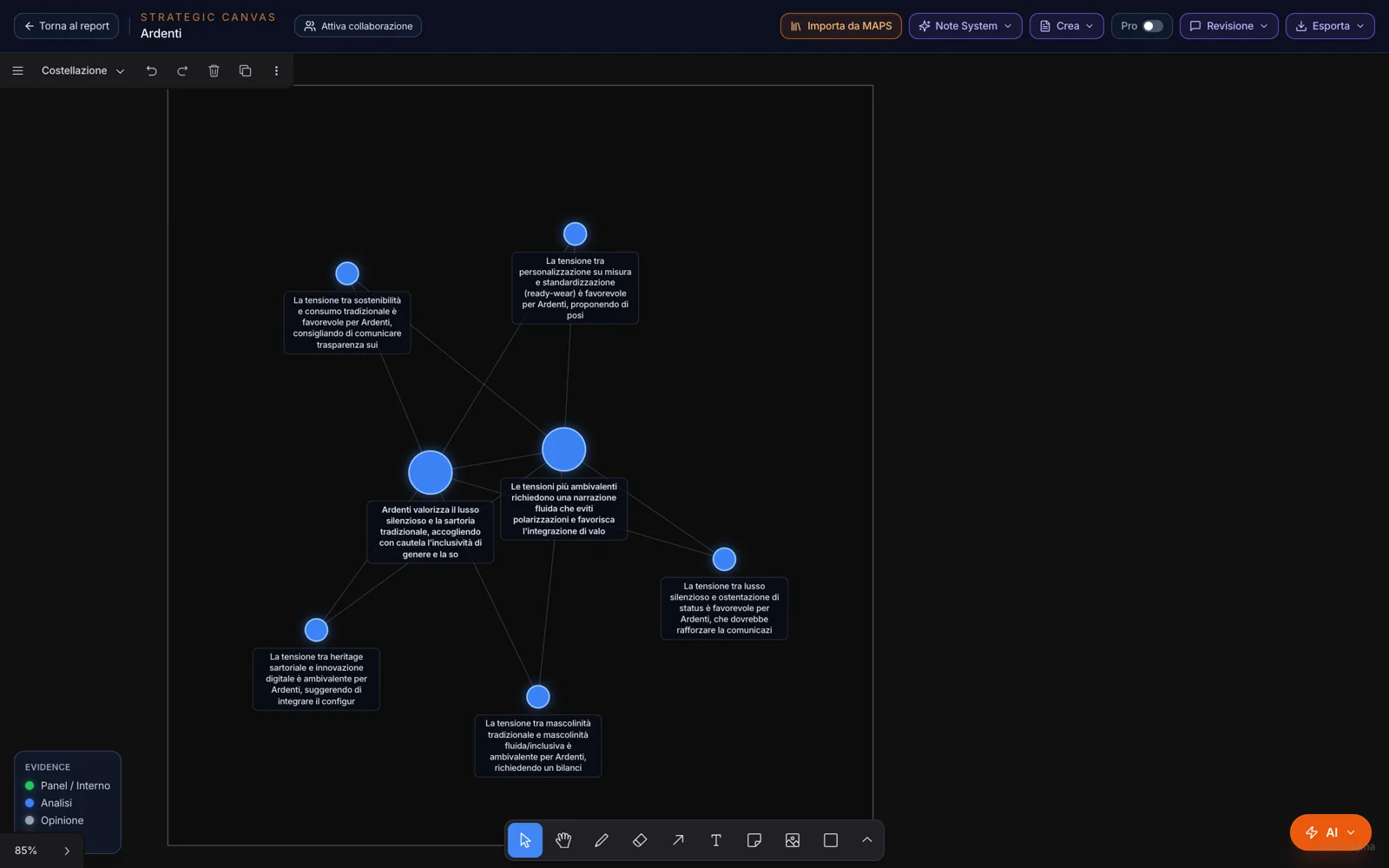
The constellation puts the notes on a map: each star is a note, the color shows the type of evidence, the size how many connections it has. Hover over a star and its links light up.
One click opens the full note, with its source, and “Go to note.” You can build it on all the notes or only on the ones you’ve selected.
Themes,
without the effort.
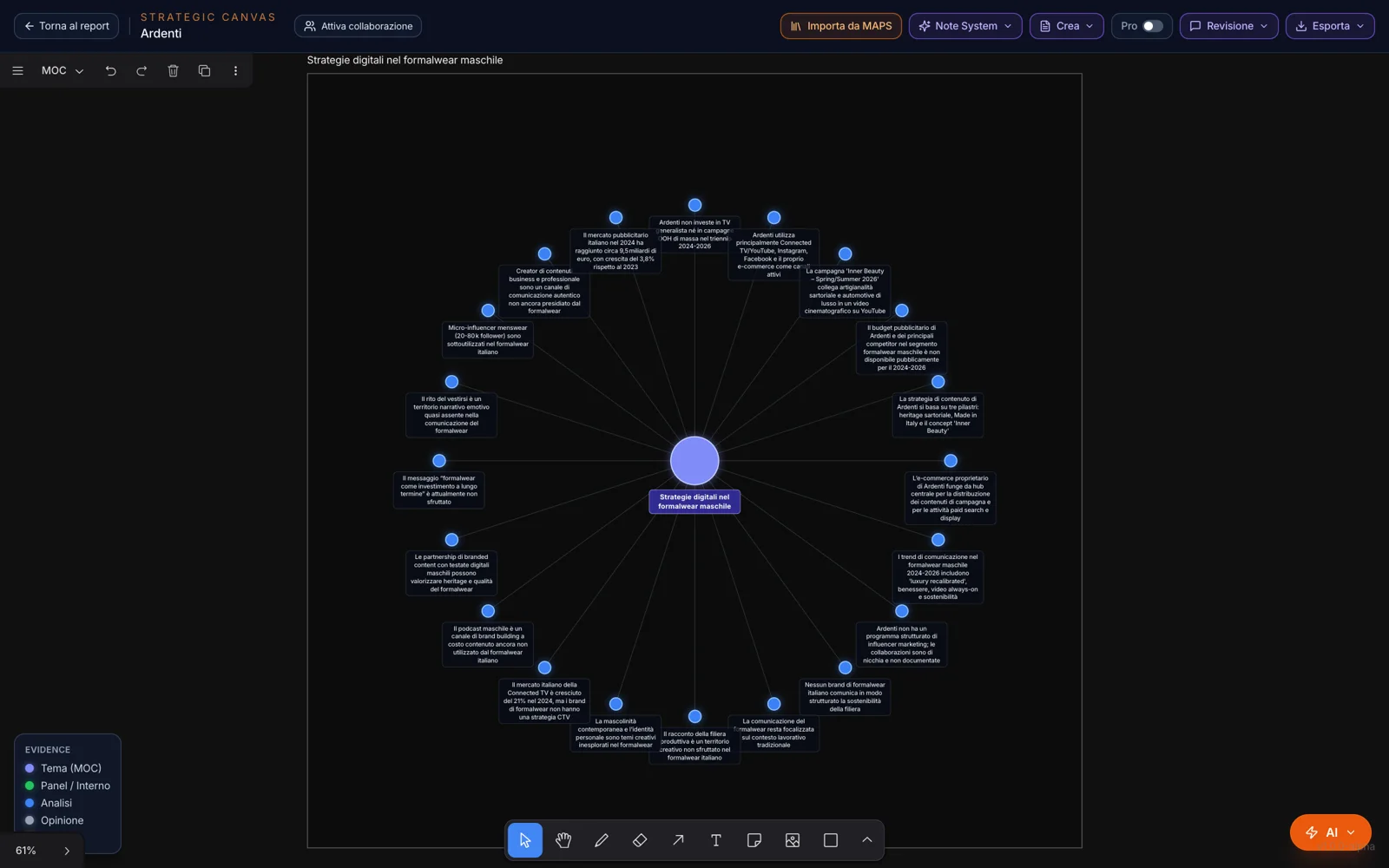
MOCs — the Zettelkasten’s maps of content — group notes into themes: MAPS finds them on its own, or names the theme of the notes you’ve chosen. Each theme is a hub with its notes around it.
From the hub, “Explore the connections” shows the theme’s notes and their neighbors: the bridges between one theme and another.
A question,
a lens on the notes.
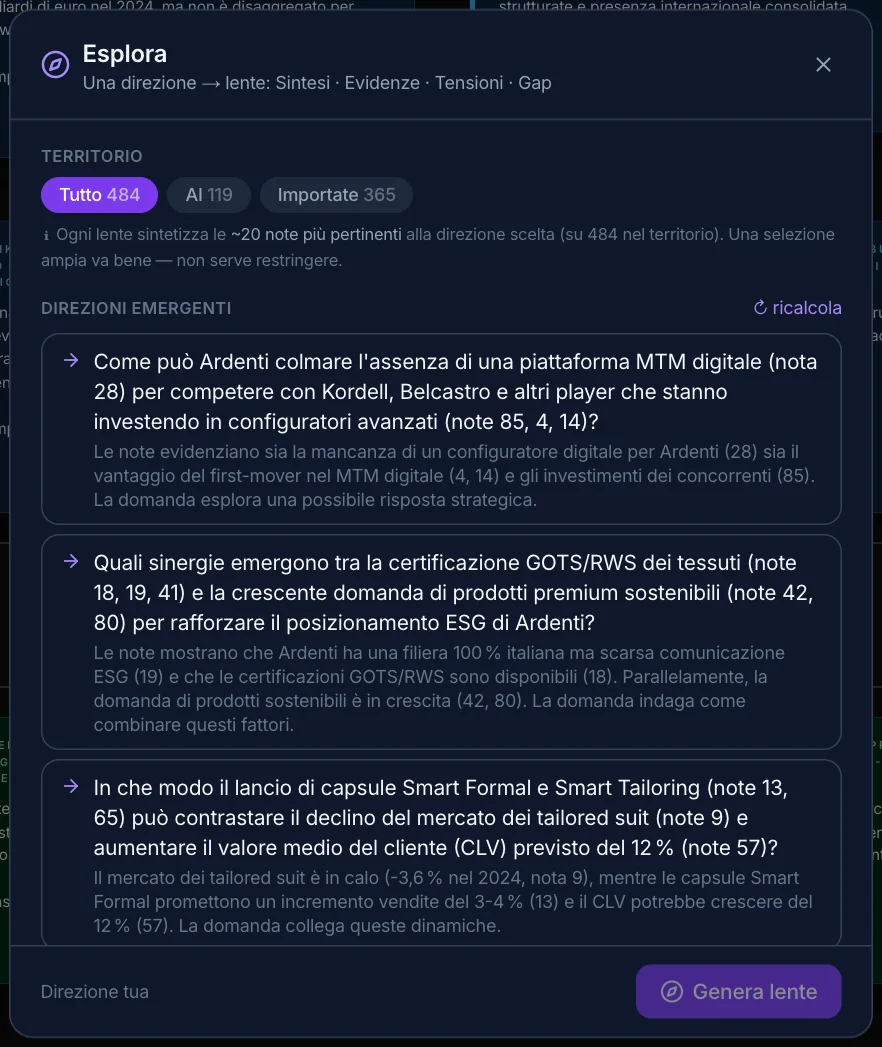
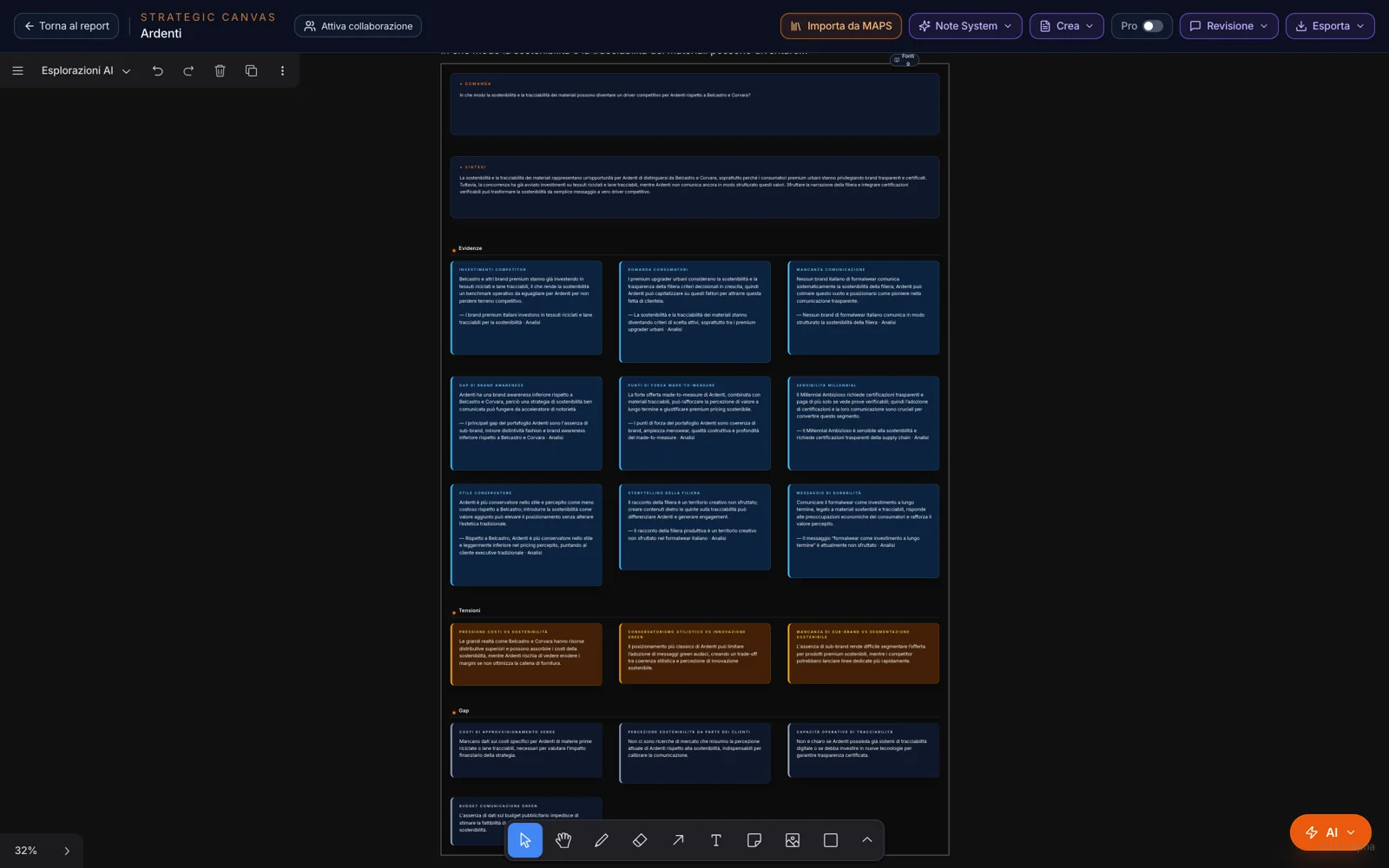
Choose the territory — all notes, the selection, the AI’s, yours, the imported ones — and MAPS proposes the emergent directions; or write your own question. The result is a lens: synthesis, evidence, tensions, gaps, from the most relevant notes, on the AI Explorations page.
Notes become part of the project’s memory: in the chat, turn on the canvas among the sources and you can even ask the notes alone.