
Have a problem?
Or already have an idea?
Problem Explorer: describe a problem, a challenge, an opportunity — “how do we reach a younger audience without losing our long-standing customers?”. Creativity Enhancer: you already have an idea, and MAPS develops it, enriches it, takes it further. Either way, the AI picks the method — the one that fits your problem — and applies it right away.
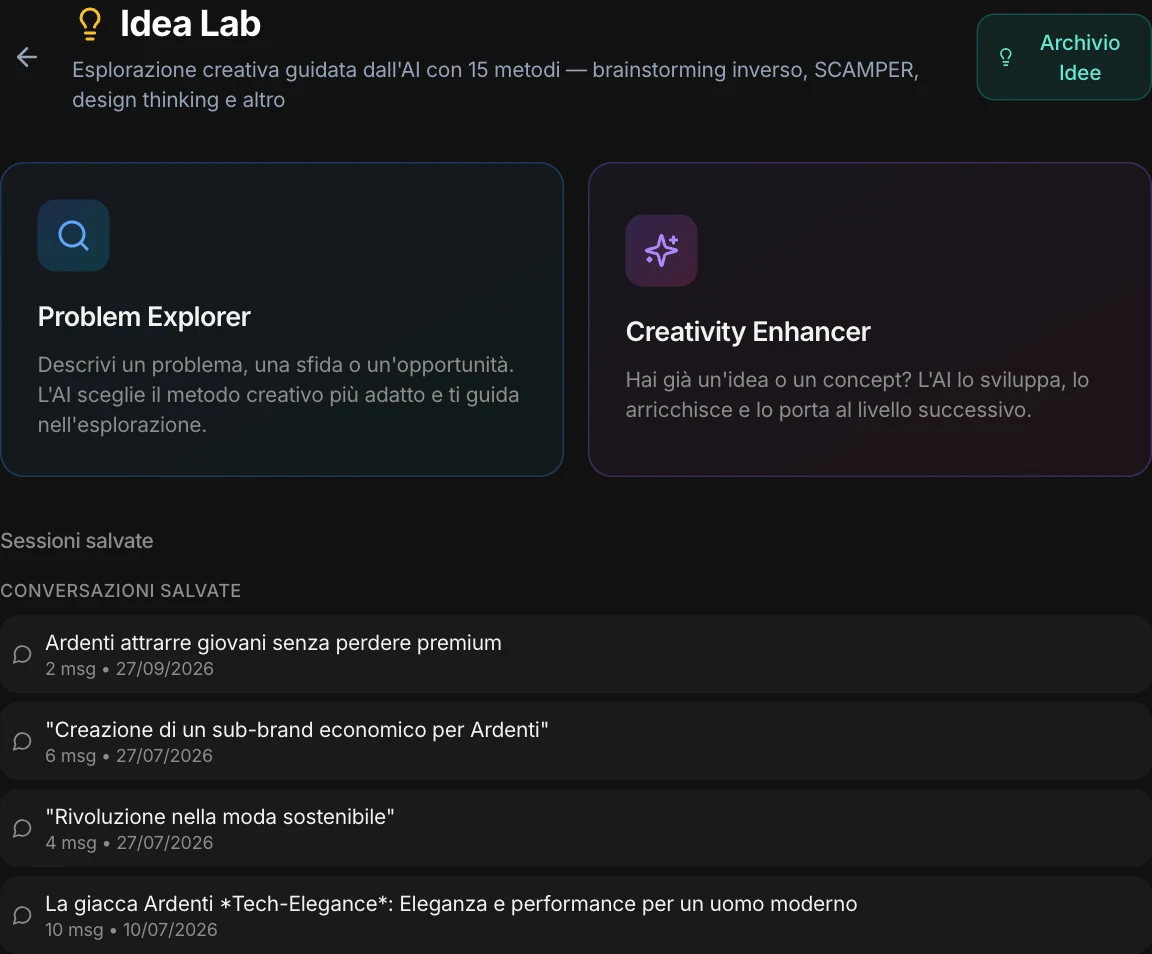
Fifteen creative methods.
In four families.
The techniques used in innovation workshops, each with its own phases. A vague problem calls for questions; a block calls for flipping the point of view; an idea to build calls for a prototype. MAPS reads the problem and chooses.
Divergence
- Reverse brainstorming
Start from failure to find new solutions. - SCAMPER
Seven lenses to transform what already exists. - Random Entry
A random stimulus for unexpected connections. - Worst Possible Idea
The worst ideas hide the best ones. - Starbursting
Explore with questions, not answers.
Connection
- Forced analogy
Solutions brought in from distant worlds. - Biomimicry
Nature has already solved your problem. - Cross-Industry Transfer
Innovations imported from other industries. - Concept Mashup
Unlikely concepts, combined.
Depth
- Six thinking hats
Six perspectives on the same problem. - 5 Whys
Dig down to the cause. - Problem Reframing
Redefine the problem to change the solutions.
Construction
- Design Thinking Sprint
From problem to prototype in one session. - Mental Rapid Prototyping
Build it in your head to test it right away. - Future Backward
Start from the ideal future and work backward.
The method, applied.
To your brand, not just any brand.
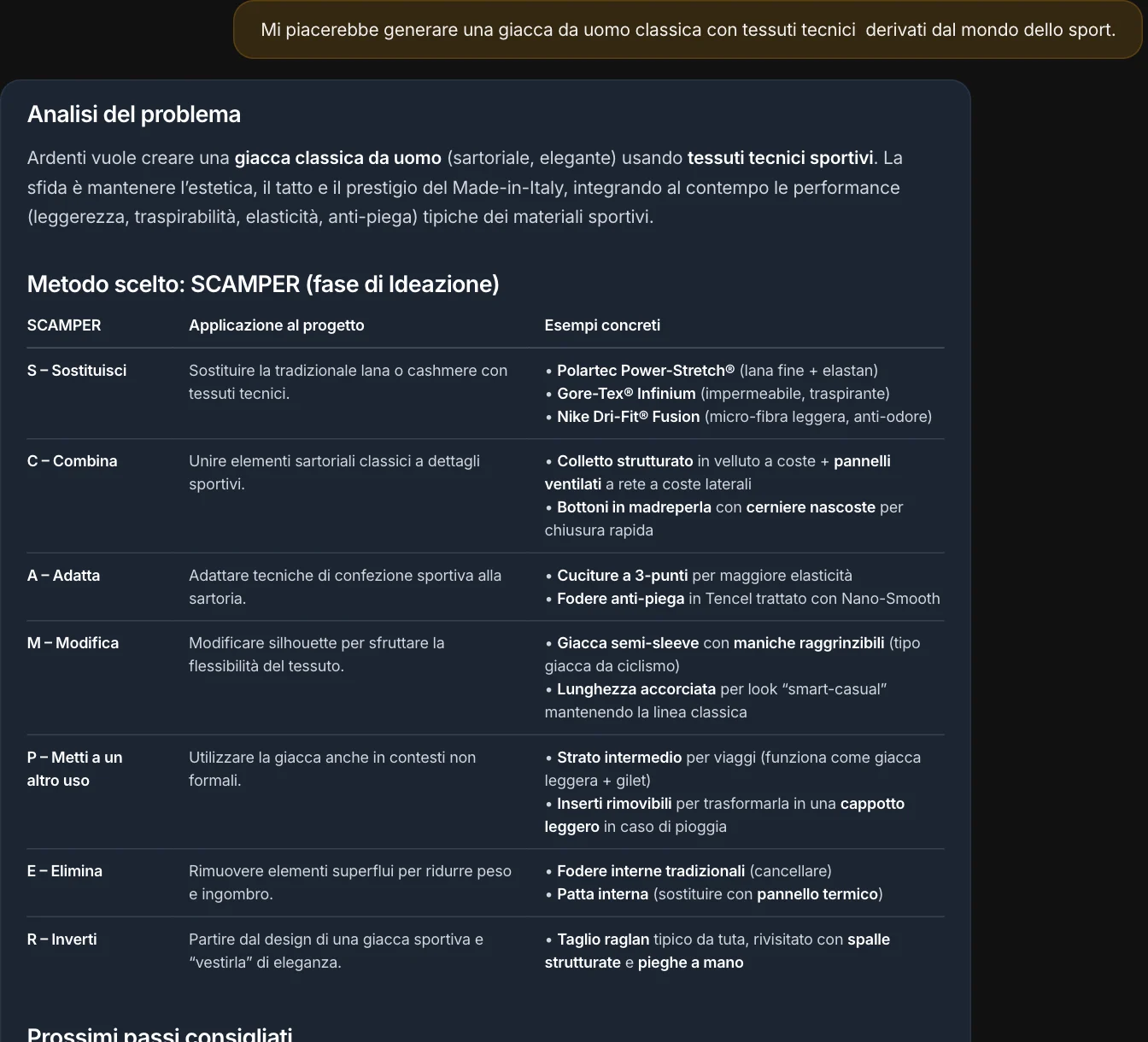
“A classic men’s jacket made with technical sportswear fabrics.” MAPS analyzes the problem, picks SCAMPER and applies it letter by letter — substitute, combine, adapt, modify, put to another use, eliminate, reverse —, with concrete examples and next steps. It uses what the project knows as a springboard, and doesn’t make up market data.
Never facing a blank page.
Four paths, at every step.
Under each answer, the possible directions — written for that point in the conversation. You pick one, or write your own.
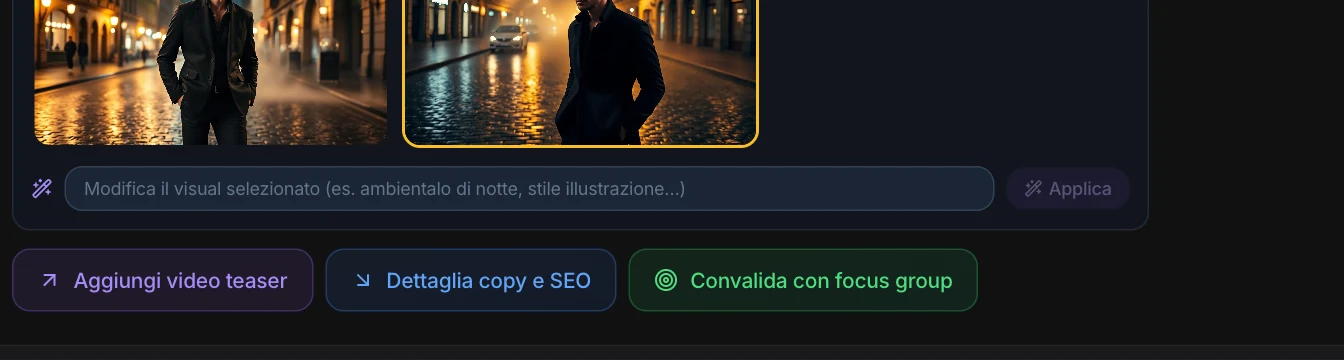
A real session, from start to finish.
From the first idea to a four-week development plan, to the customer-facing description with the sustainable supply chain, to the jacket’s web page — with visuals along the way.

Visualize.
And change it in plain words.
From any answer, “Visualize” generates images of the idea. Pick the variant, ask for another one, and edit it by typing: “set it at night”, “illustration style”. For packaged products, the packaging too, with the brand and readable text.
Variants
Several images for the same idea: pick the right one, or ask for another.
Edit in plain words
Change the setting, the light, the style, while keeping the subject.
Packaging
The pack mockup with the brand and readable text.
In the session
Images stay with the conversation and go into the PDF and the presentation.
Develop.
A card for every idea worth keeping.
When an answer convinces you, “Develop” turns it into an idea card: the title, the description, why it works, the next steps, the visual. You edit it, bring it into the Canvas, export it to PDF — and test it with synthetic users, who give it a score.
Every answer can also be exported to PDF or as a presentation, with the chosen visual. And the session saves itself.
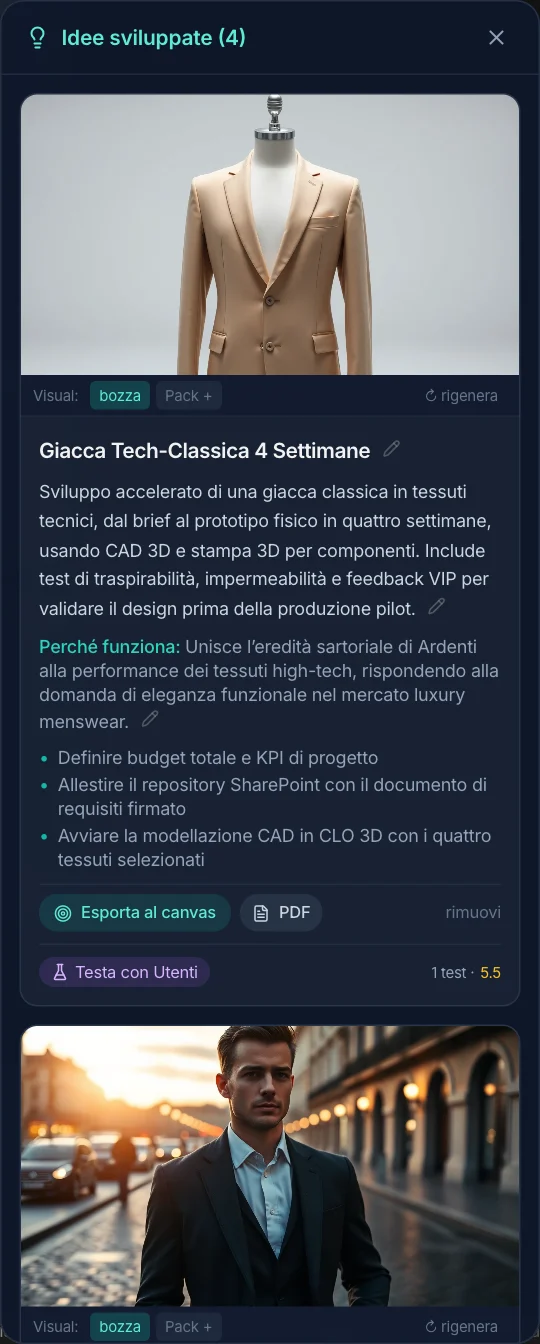
Ideas don’t get lost.
They become the project’s memory.
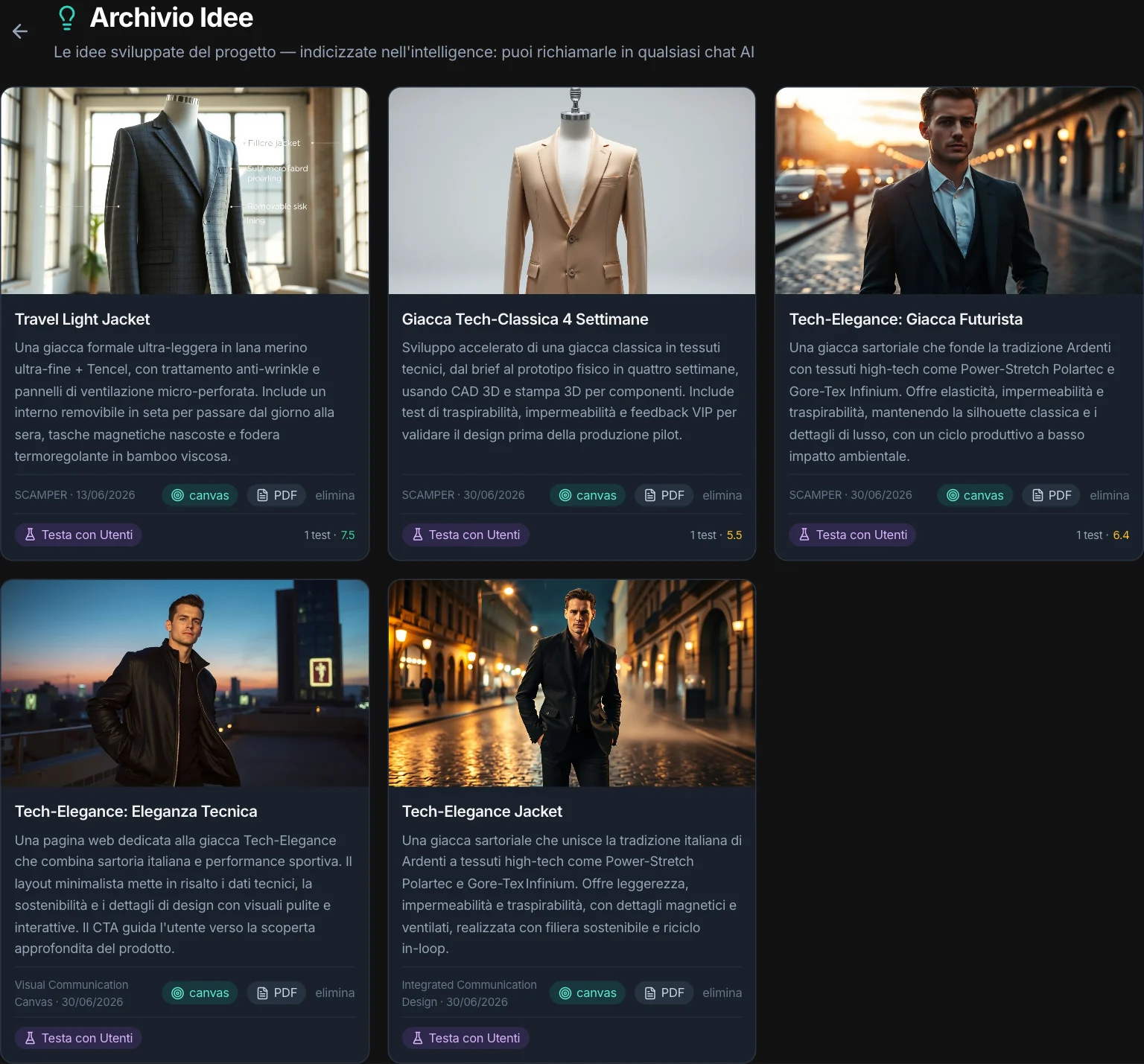
Every developed idea goes into the Archive, with the method it came from and the tests it went through. And it gets indexed: you find it in any chat in the project — “what ideas did we have about the travel jacket?” —, marked as an idea, not as a market fact.
In B2B too
In B2B projects, ideas speak to business customers and their channels — distributors, trade shows, LinkedIn, sales network —, not to the shelf.
The next step
An idea that holds up becomes a campaign concept in Campaign Lab, or a prototype with Quick Prototype.