MAPS Intelligence

Smart Archive

What you know, next to what MAPS finds out there.

Proprietary research, market reports, presentations, briefs, internal data: you upload them to the project and they become part of what MAPS knows. The chat uses them, the tools use them, the analyses cross them with everything else.

The three ways to upload: Upload Material, Bulk import, Import from Drive
Three ways to bring your material in.
Any research

The market report you bought.
The research you did in-house. The brief.

PDF, Word, Excel, PowerPoint, CSV, text, images — or pasted text. For each document you say what it is: verified market data, company data, qualitative research, external study, internal document. It helps the chat tell a fact from an opinion when it cites it.
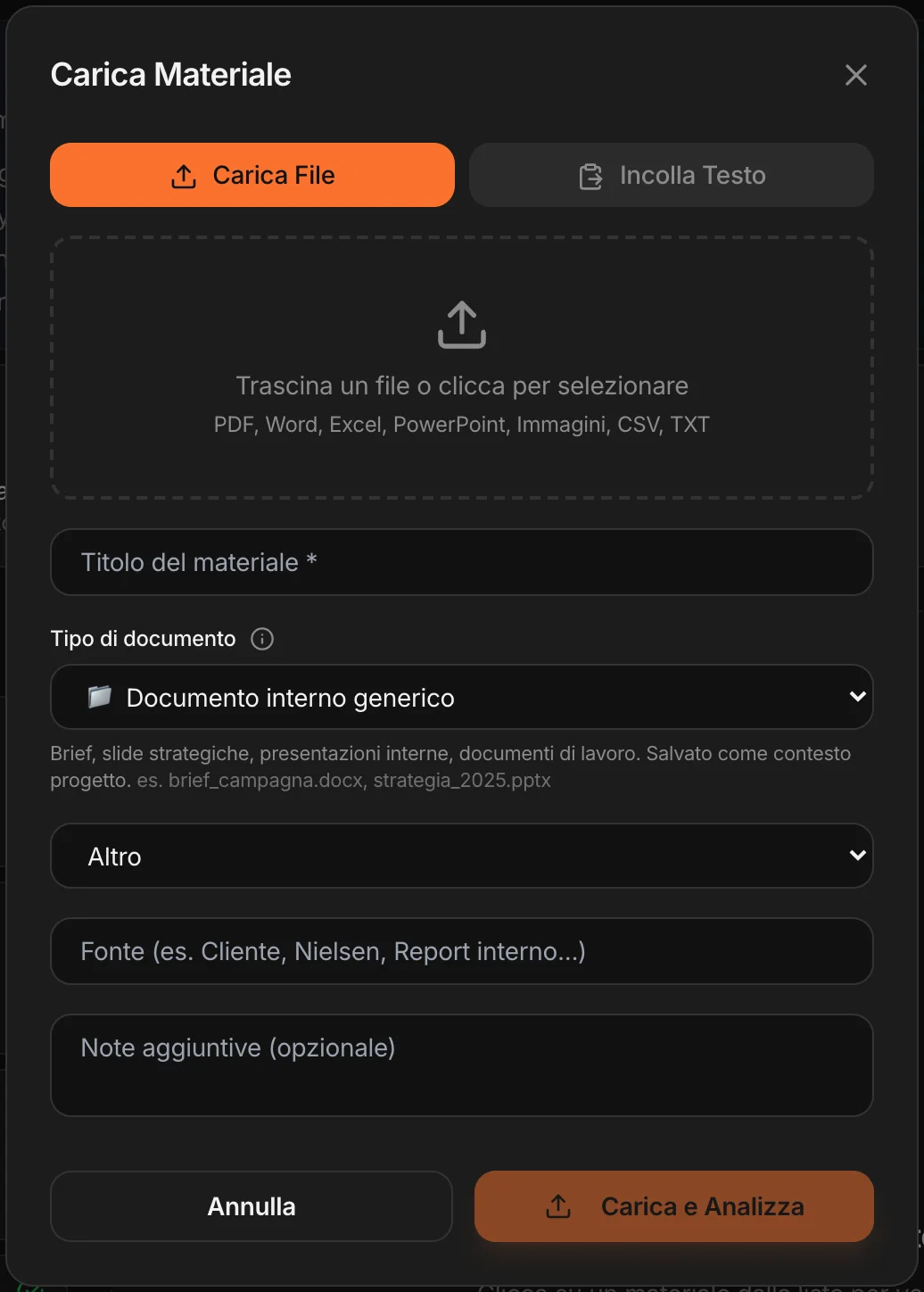
Upload Material: file or text, document type, source
One document at a time, with the analysis.
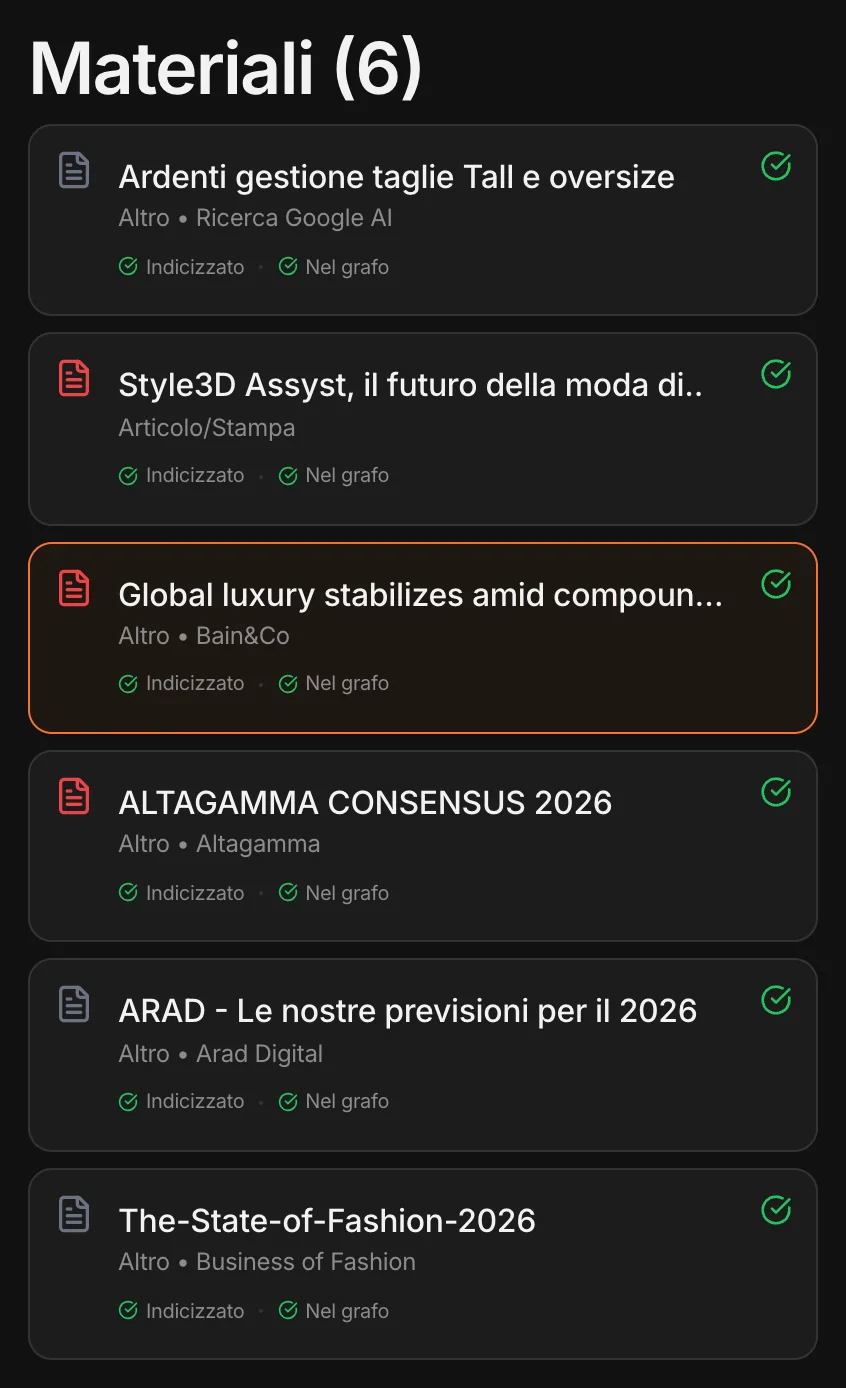
The project’s materials, indexed and in the graph
Market reports and research in the project: each one “Indexed” and “In the graph”.
In the project’s memory

Not a folder.
A piece of what MAPS knows.

Every document is read, broken into parts and indexed; the concepts it contains — companies, markets, numbers, themes — enter the project’s knowledge graph and connect to what MAPS has already found.

Indexed
The chat finds it when you ask a question: “what did the 2024 research say about this segment?”.
In the graph
Its concepts connect to the rest of the project: a research institute’s report meets the Monitor’s reading.
Used everywhere
Analysis tools, synthetic users, presentations: they also reason on what you uploaded.
If you want, the analysis too

A fifty-page report,
in one sheet.

With Upload and Analyze, MAPS reads the document and turns it into a sheet: the summary, the insights ranked by importance, the extracted data, the implications for the brand, the suggested actions. You can export it to PDF or bring it into the Canvas.
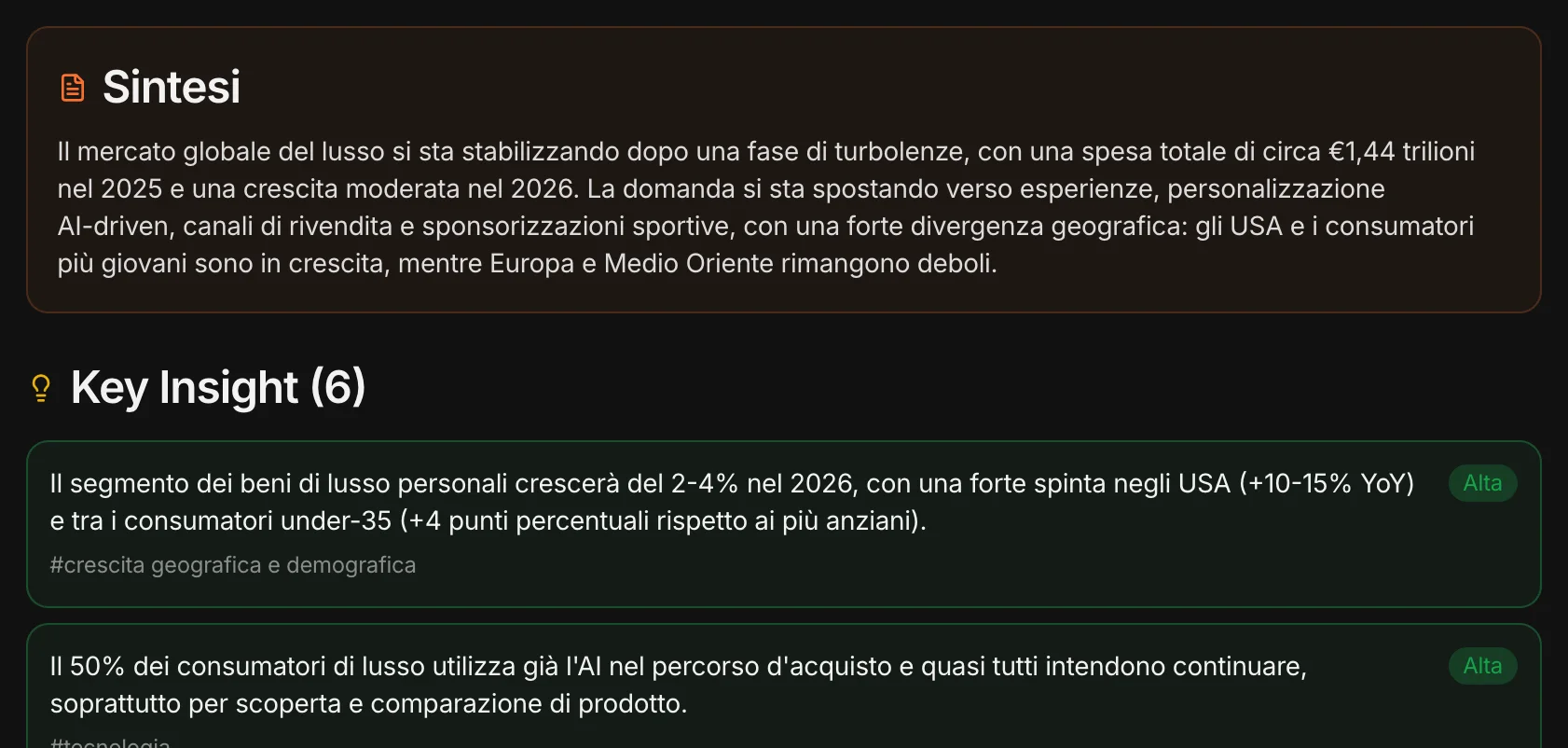
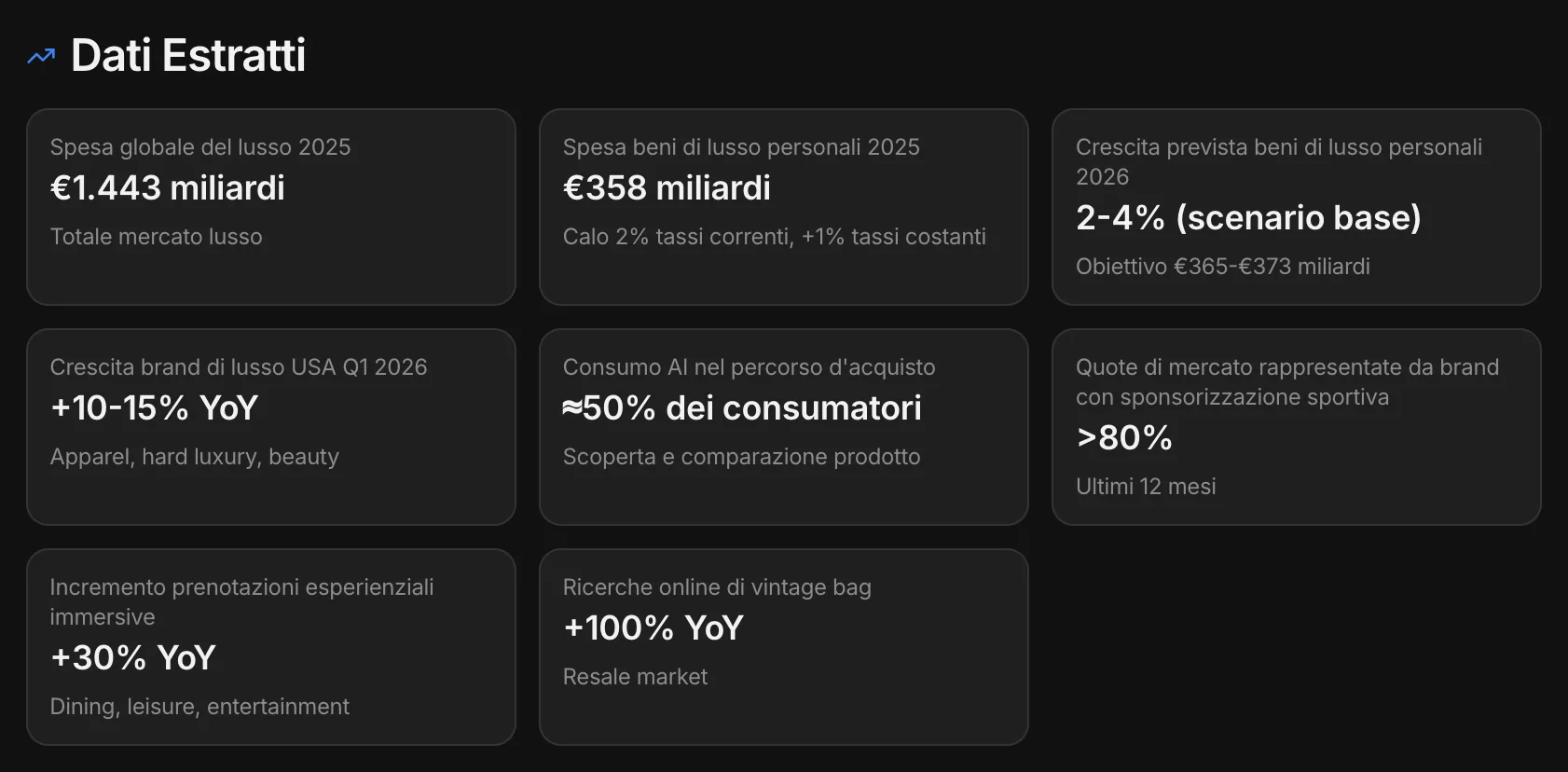
Summary and key insights of a market report
A public report on the luxury market, uploaded to the project.
The data extracted from the report
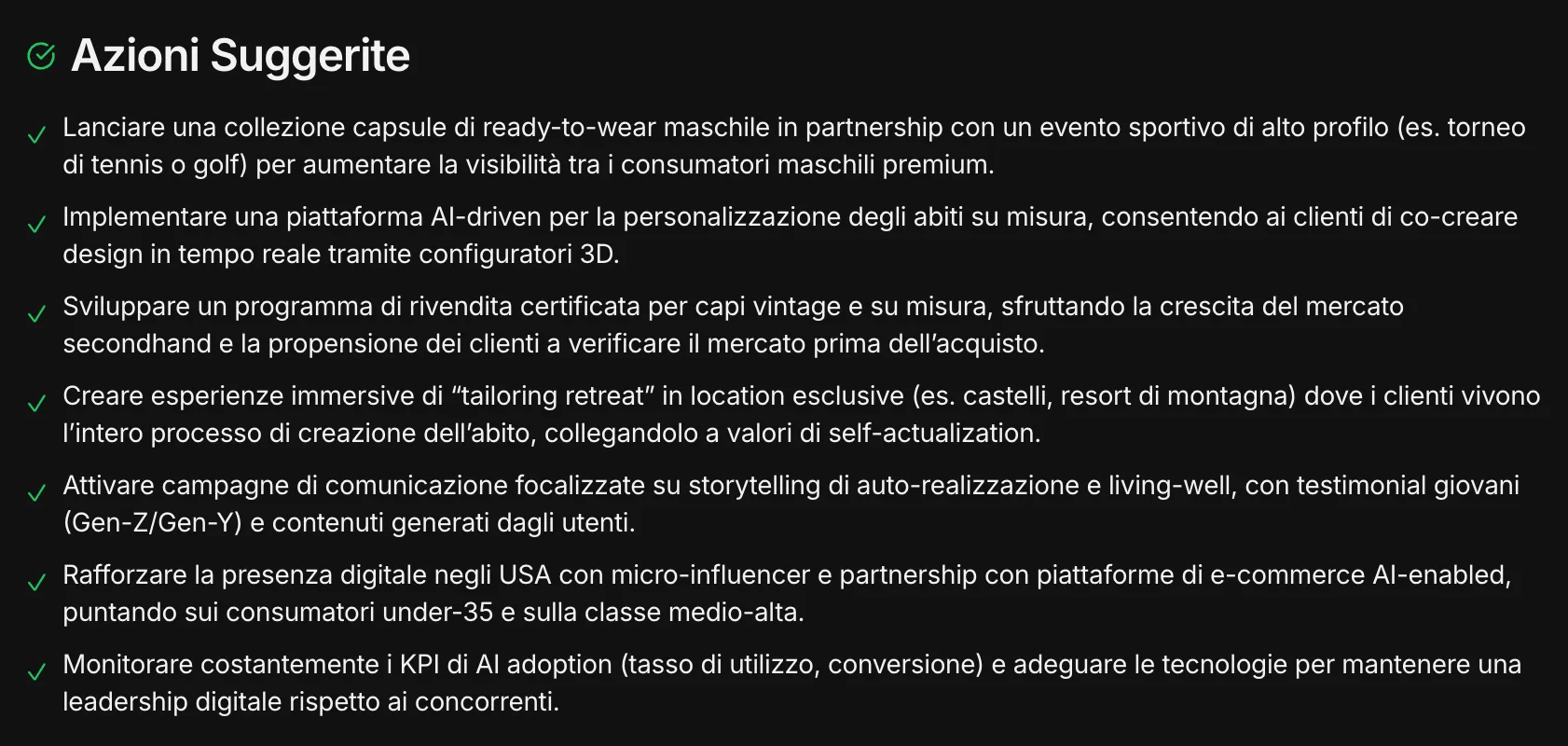
The suggested actions for the brand
And what it means for the brand: the suggested actions.
In bulk

Many files at once.
Or straight from your Drive.

With Bulk import you upload up to 40 files at once: MAPS indexes them and connects them to the graph in the background, and lets you know when it’s done. You then request the full analysis only for the documents that matter. With Import from Drive you connect your Google Drive and pick the files, including Google Docs, Slides and Sheets.
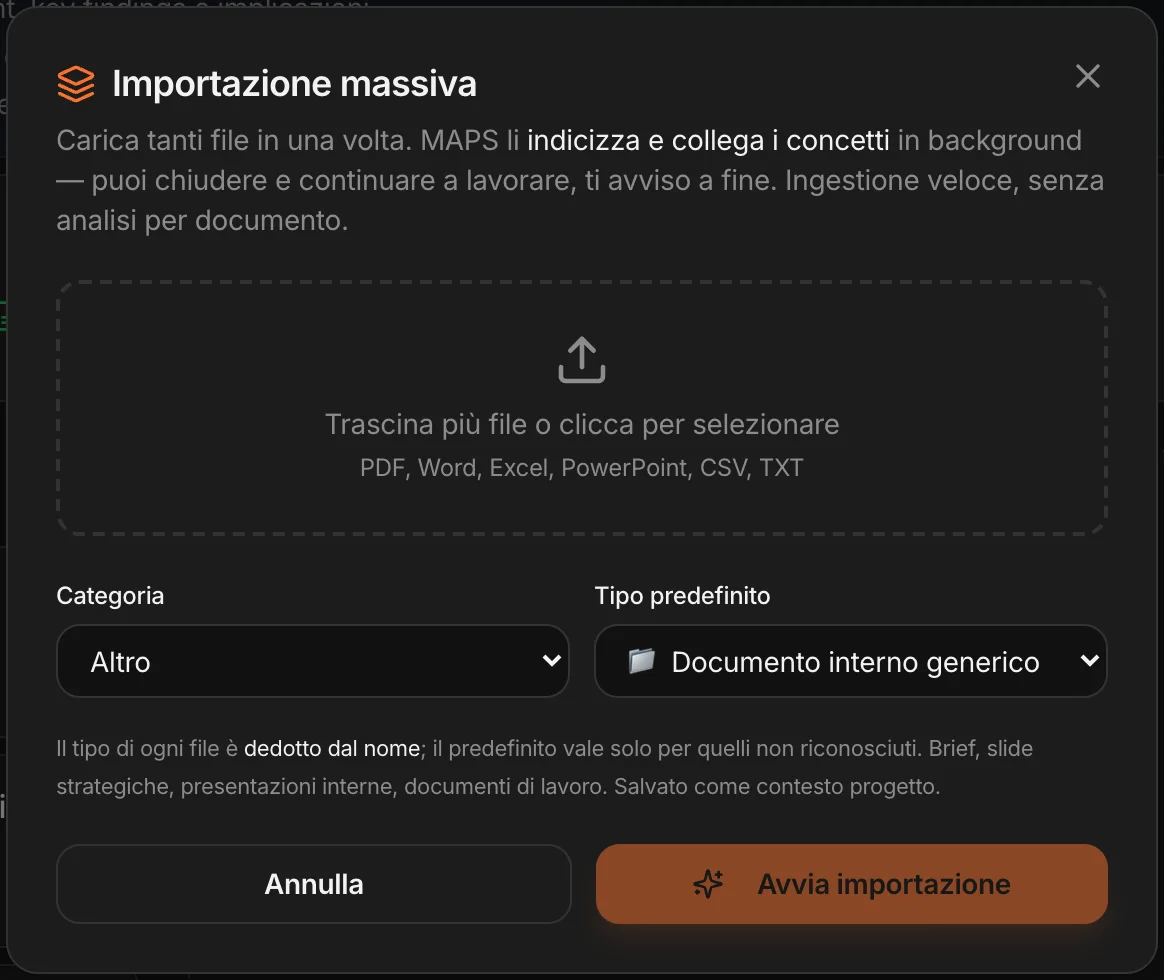
Bulk import: several files, indexed in the background

Documents stay in the project and are not used to train models.

The research you already paid for
goes back to work.